DataSelf AI shows how to build an IF expression in DS ETL FormulaWizard to classify customers. The demo checks when Status equals 1, assigns "active" to that branch and "not active" to the else branch, then saves it as a computed field called "status description."
Questions this video answers
April 9, 2014
The customer is active.
status description
Chapters
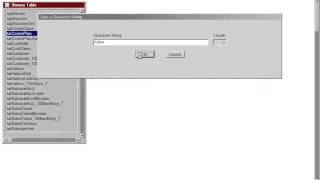
I'm going to create a new field or formula on my customer table to tell if a customer is active or not active using an if statement. So in this example I want to add the words active and not active, and depending on the filter, it will save for every record of my table if the customer is active or not active. So active and not active, they are new words. I'm going to be adding the character. Then I'm going to double click this character entry here and write active. Click ok, so it's added to the bottom. I'm going to double click again the character title here and say not active. And I added that to my formula expression. Now I'm going to select the first field of my expression. I'm going to click the if button, select the filter, and I have this filter telling that when Status equals to 1, it means they are active customers. And I'm going to click insert to add my if at the very beginning. Then I want to select active and make the end of my first segment of my if. So I click else and then I select the second part, the else part of my if statement, and click end if. So that's it. It's an if statement telling that if my status record equals to 1, it will tell the customer is active, otherwise it will be not active. And I click save and I could say status description and that will be how I use an if statement.