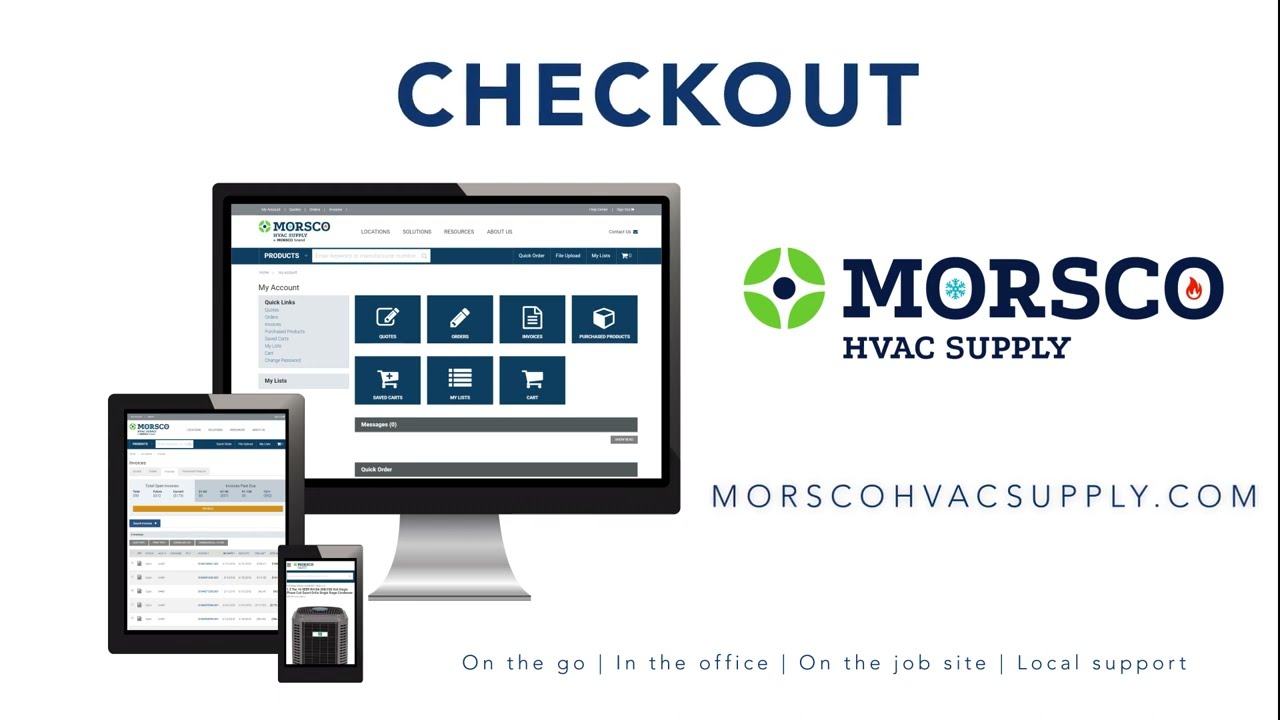
The video is an instructional walkthrough of MORSCO HVAC Supply’s online checkout system. It explains the three‑step checkout flow—selecting a delivery method, choosing a payment option, and confirming the order. For delivery, users can use a pre‑populated job address, choose between shipping items as they become available or waiting for a complete shipment, set a delivery date, and add special instructions. For in‑store pickup (Will Call), users select a branch (default home branch or another location), choose a pickup date and time, and can add instructions. Payment options include billing to the user’s account (with PO number), credit‑card payment (saved or new card, with PO/reference), and for Will Call, a “Pay When I Pick Up” option. The final step is submitting the order, which generates an order number, routes the order to the branch team, and triggers an email confirmation. The narration emphasizes the simplicity, 24/7 device‑agnostic access, and encourages registration for the online solution.
Chapters
Welcome to MorseCo HVAC Supply Online Solutions. Ready to check out? Online Solutions offers a simple checkout process to ensure you get the right products at the right time. Checking out takes just 3 easy steps. First, select a delivery method. Next, select your payment options. And finally, confirm your order. The first step to checkout is selecting a delivery method. Once you're done shopping, be sure you select your delivery method before you click Proceed to Checkout. You have 2 options: Will Call and Delivery. We'll cover the delivery options first. For delivery, your job account address and other fields are pre-populated. If you're using a shop account, you can have orders delivered to a different address. Next, on the Delivery Information screen, select when you want your items delivered. Either Deliver as Items Become Available or Deliver Complete when all items are available. The first option may result in multiple shipments. To complete this step, select a requested delivery date, enter any special handling instructions, then click on Continue Checkout. Do you need to pick up your order at the counter instead? Select Will Call while reviewing your shopping cart and select the branch location where you would like to pick up your items. Your home branch is set as the default. If inventory isn't available at your location, click on In Stock at Other Locations to see where you can pick up. After you select a location, click on Proceed to Checkout. To complete this step, select a requested pickup date and time, enter any special instructions, then click on Continue Checkout. The next step in the checkout process is selecting your preferred method of payment. You can choose Bill to My Account or Pay by Credit Card. To pay on your account, select Bill to My Account and enter a PO number. If you need to open a credit account, call your local branch. For credit card payments, select a saved credit card from your list or follow the prompts to enter a new card. Be sure to enter a PO number or reference keyword. For will-call orders, you also have the option to Pay When I Pick Up. Select that option, then confirm your billing and pickup information. The final step in the checkout process is to click Submit Your Order. Your order has now been assigned an order number and has been routed to the branch team for processing. You will receive an email confirming your order. An easy checkout process helps you get your job done faster, at your fingertips on any device 24/7. Register now to use our online solutions. morscohvacsupply.com.