How to record a video and send on WhatsApp on Android - help for 1st timer

In this concise video tutorial, Mario Sebok, SCPM,MBA,PMP®, walks first‑time Android users through the complete process of capturing a selfie video and sharing it on WhatsApp. He demonstrates how to open the camera app via the quick‑access icon or by sliding up and selecting the camera, toggle between front and back lenses, switch from photo to video mode, start and stop recording, review or delete the clip, and finally locate the saved video in the WhatsApp gallery to send it. The tutorial emphasizes visual cues (icons, timers, toggle positions) and provides clear verbal instructions for each step, ensuring users can replicate the workflow without confusion.
Chapters
More from Mario

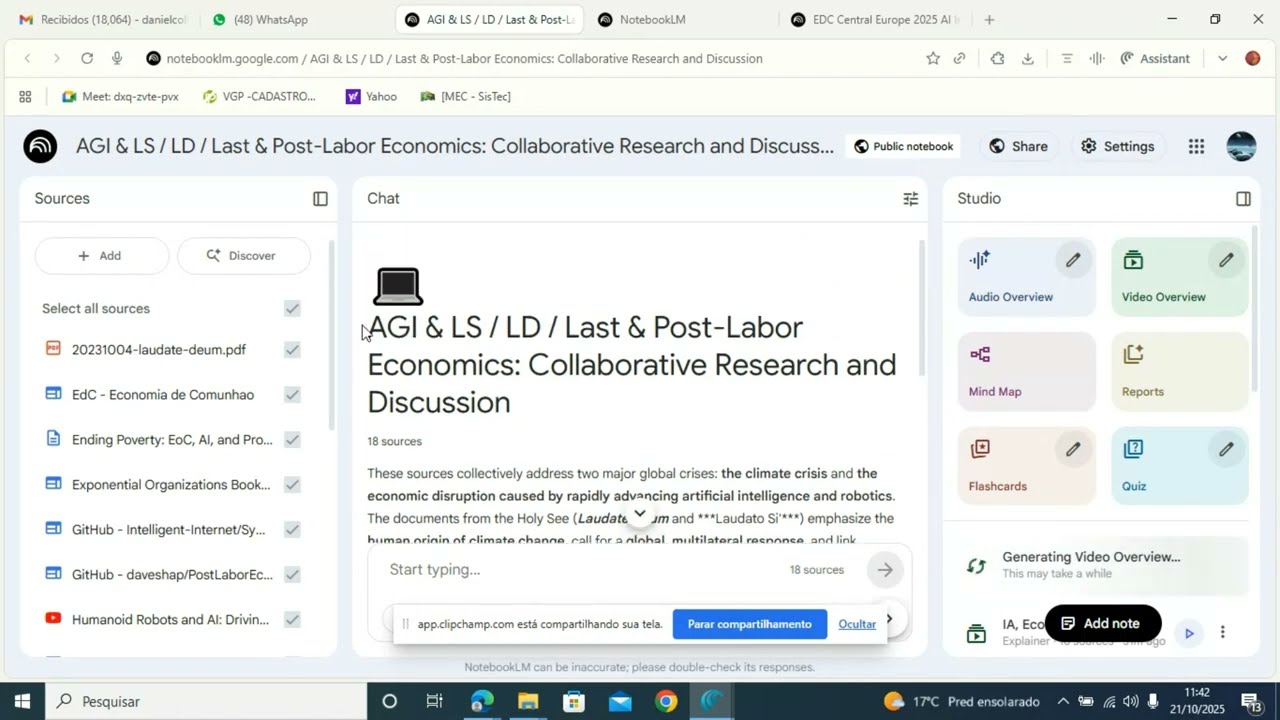
Boost Learning with Studio: Turn Your sources into Audio, Video, MindMaps, and More




Anima Christi - Beautiful Choir Performance in Corpus Christi 2025 - Stockholm - Sweden