Upload Your CV Info to NotebookLM: Get AI‑Matched Answers and Teammates

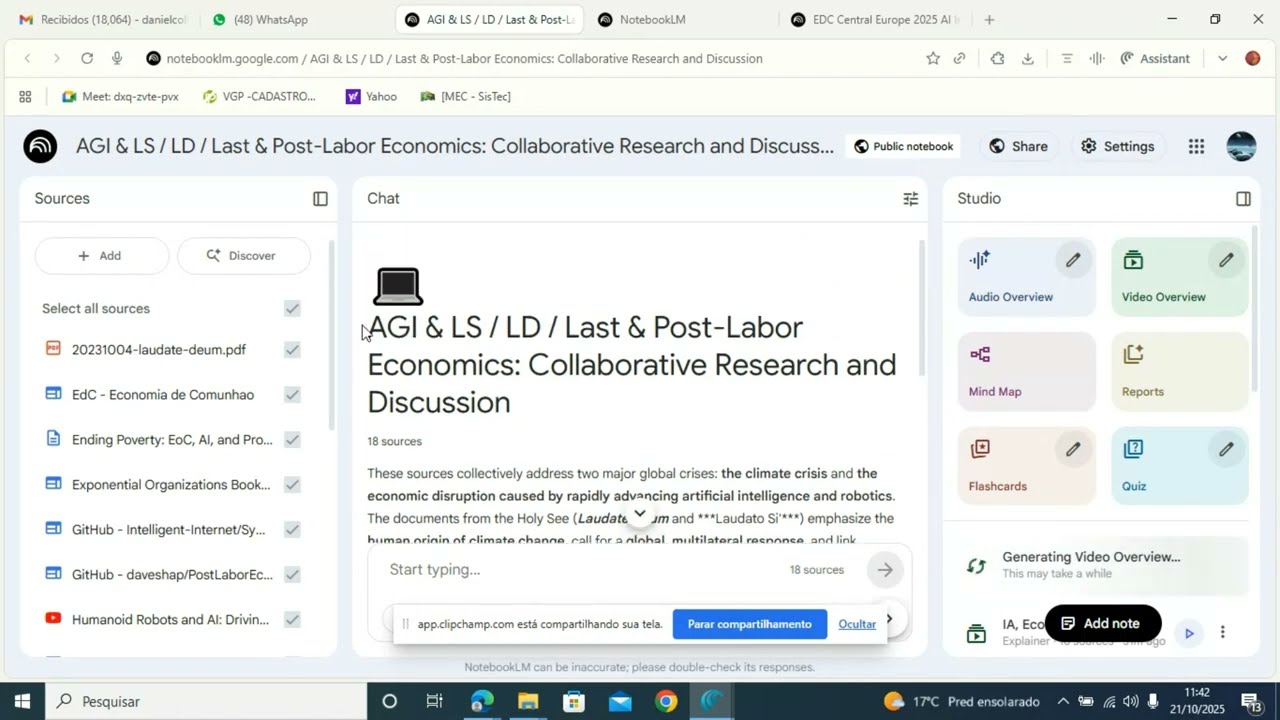
In this concise tutorial, the narrator walks viewers through using NotebookLM, an AI‑powered workspace, to upload personal documents such as CVs, reflections, PDFs, and Google Docs. The video shows how to open NotebookLM on a computer or tablet, locate the main notebook where all sources reside, click the “Upload File” button, select the desired file, and wait for the system to process it. Once uploaded, NotebookLM automatically reads the content, enabling users to ask questions, request summaries, and discover connections across their sources, thereby facilitating smarter learning and exploration.
Chapters
More from Mario

Boost Learning with Studio: Turn Your sources into Audio, Video, MindMaps, and More




Anima Christi - Beautiful Choir Performance in Corpus Christi 2025 - Stockholm - Sweden