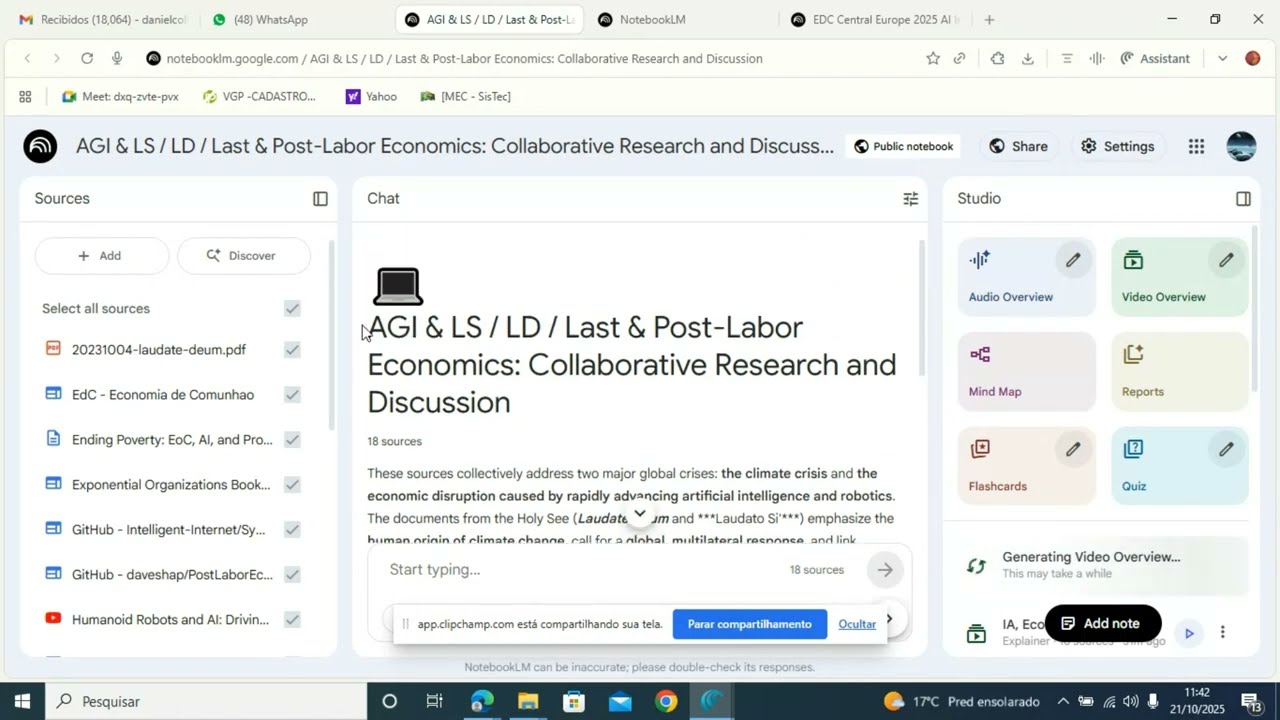
Setting Language on Notebook LM: Interact with AI in Your Language

21 Oct 2025 · 1 min
0:47

In this concise tutorial, the presenter walks viewers through the process of configuring the preferred output language in NotebookLM for a summit. The steps include navigating to the NotebookLM settings, selecting the desired output language, confirming that all content appears in that language, and, if some interface elements remain untranslated, adjusting the language setting of the Google account used to log in. The video ends with a brief thank‑you.

Chapters

More from Mario

1:38
youtube.com

Boost Learning with Studio: Turn Your sources into Audio, Video, MindMaps, and More

1y ago

0:22
youtube.com

MarioSebok Intro AI for EdC EU 2025 boost

1y ago
1:03
youtube.com

Ask Better Questions in NotebookLM: Get Precise Answers from All Your Notes

1y ago
0:58
youtube.com

Upload Your CV Info to NotebookLM: Get AI‑Matched Answers and Teammates

1y ago
1:07
youtube.com

Welcome to NotebookLM & Why we’re using AI for EdC EU Košice 2025

1y ago
9:13
youtube.com

Parroquia de San Thiago de Compostela em San Sebastián España 15/Ago/2025

1y ago
1:36
youtube.com

Anima Christi - Beautiful Choir Performance in Corpus Christi 2025 - Stockholm - Sweden

1y ago
4:33
youtube.com

"Wake Me Up" with Sousou on vocals & the Kora! 🇸🇳 Stockholm Midsummer 2025

1y ago
8:07
youtube.com

Warsaw Zouk Festival Teachers demos Feb 15 2025

1y ago
1:28
youtube.com

How to record a video and send on WhatsApp on Android - help for 1st timer

1y ago
4:10
youtube.com

Warsaw Zouk Festival 2025 Alexej & Florence Elastico & Raul recap

1y ago
See all content