How to Print Legal and Letter Sized Paper + FREE Download Set of Loan Documents Here!
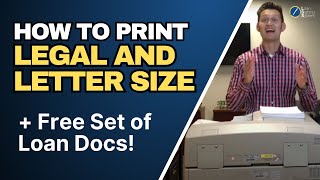
The video is a practical tutorial aimed at new notary public loan signing agents, emphasizing that loan packages typically contain both letter‑size and legal‑size documents. The presenter argues that a dual‑tray laserjet printer is essential because it allows the user to load both paper sizes simultaneously and print the mixed‑size package in the correct order without manual tray changes. The tutorial walks through the drawbacks of using a single‑tray printer—having to print each size separately, reloading the tray, and then re‑ordering the pages—highlighting the time loss and risk of errors that can delay closings. The second tip explains how to configure the printer settings to “print by page size,” ensuring the printer automatically selects the appropriate tray for each page, preserving document order and integrity. Finally, the presenter offers a free set of mortgage documents in both sizes for viewers to practice printing before their first signing, reducing anxiety and preventing costly mistakes on the actual loan. The overall message is that proper printer setup and practice are critical best‑practice steps for efficient, error‑free loan signings.
Chapters
More from Mark
How a Former Realtor Made $107,000 as a Notary Signing Agent (Small Town in Michigan)

I Tripled My Notary Income in 30 Days 💰 $1.5K to $4.8K | Loan Signing System Review


How She Built a $125,000/Year Notary Signing Agent Business From Scratch (Colorado)