Mark recommends dual tray laser printers for notary loan signing agents because they're fast, cost-efficient, and handle the high volume of documents the job requires. He shares his personal choice and explains why scanner options matter for the work.
Chapters
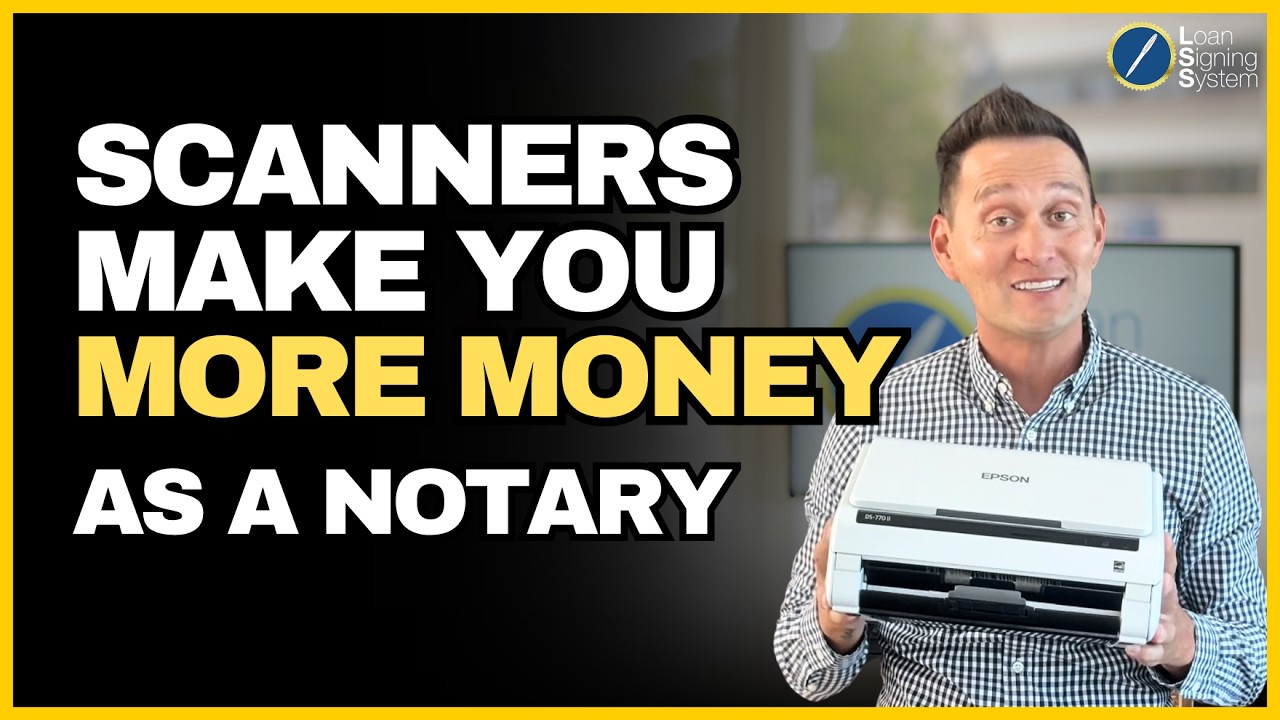
I'm frequently asked what kind of printer should I buy as a new loan signing agent? And more specifically, what printer do I actually use in my office? Well, in short, you'll need to get a dual tray laser printer. Being able to print legal and letter sized paper is an absolute requirement. As a notary signing agent, a dual tray printer will have one tray for letter size paper and one tray for legal size paper. The printer will automatically go back and forth from each tray to print the size required. Understand that if you print a legal size document on a letter size piece of paper or vice versa a letter size on a legal piece of paper, there is a chance the loan documents will not be accepted and resign will need to happen. Now if a resign happens, that means you don't get business again from that source. So don't take a chance. Get a dual tray printer the next thing students ask is why a Laser Printer versus An Inkjet? Let's first start off with the price. A laser printer does have a higher upfront price versus an inkjet, but don't be fooled. You actually save a lot of money in the long run with a laser printer. A laser toner cartridge prints more sheets relative to their cost than an inkjet cartridge. The cost of printing in black and white with an inkjet cartridge generally runs 5 to 7 cents per page. Laser cartridges cost between 2 and 4 cents per page, and there's some laser printers that can get that down to less than one penny. Regardless what laser printer you get, the more pages you print, the more money you stand to save by opting for a laser printer. And the laser printer should last you about five years. Do the math with me. If you're printing at $0.03 a page versus $0.06 a page, you save $0.03 per sheet or $7.50 for every 250 pages you print out. Remember, as a loan signing agent, we work for signing services. You are required to print out two sets of loan documents, one for the borrower to sign and one for the borrower to keep. That's why you print out roughly 250 pages. While an inkjet may be cheaper up front, for a laserjet it's truly the cheaper choice. About $7.50 to be specific, per set. The next reason you go laser printer over inkjet is speed. You can't put a price on time, especially since the sooner the docs print, the sooner you can go to your appointment. Laser printing speeds range from 12 up to 45 pages per minute. Inkjet printers run from 6 to maybe 20 pages per minute. Essentially, a laser printer is almost 3 as fast as an inkjet. Once again, remember, you print roughly 250 pages. Imagine sticking around for 250 pages to print out at six pages a minute. Now I think you can see why you want a laser printer being a notary signing agent. Inkjet is great. If you're only printing about five pages once a week or so, you'll be printing thousands of pages a week. As a successful notary public loan signing agent, get a dual tray laser printer. You'll thank me later. Now let's talk about scanners. Some printers come with scanners built right on top of the actual printer. This will obviously drive up the cost of the printer greatly. First off, why do you even need a scanner at all? And it is because some signing services will require a scan of your signed loan documents back to them so they can check your work before you put the signed loan documents in FedEx. Now, this request won't happen all the time, so it's your call if you want to overpay for a scanner plus printer that you'll use every now and then. Or you can go to FedEx Kinko's whenever required for a scan and pay them $5 to have the doc scanned to you. And then you can email that to the signing service you'll need to be at a FedEx anyway, so it's not like you're wasting a trip to specifically a FedEx Kinko. If it is your goal to only be a signing agent that works for signing services, then perhaps it's worth the investment for a scanner printer. But if you take my course, I'll teach you how to make sure you bypass the signing service and work directly with escrow companies, mortgage companies and real estate agents who will never ever ask you to scan them loan documents. Lastly, I'm always asked Mark, what printer do you actually have and actually use in your office? I Specifically use a Brother HLL5200D WT business laser printer with wireless networking. I've put the link on this video to help you in case you haven't found a good printer yet. No need to waste your time searching. I've done the research for you. I hope this video helps as all of my videos I hope help you. I'm Mark. I teach the loan signing system and look forward to helping you make money as a notary loan signing agent.