
Walk through a fitness portal's desktop and mobile layouts. Find nutritional and training education, workouts by body part, supplement recommendations, live recorded sessions, one-on-one coaching, and a weekly nutrition seminar on Tuesdays at 6pm.
Questions this video answers
Every Tuesday night at 6:00 PM (speaker states 'I believe I'm doing it' — tentative).
More from Matt



youtube.com
Your staff aren’t lazy. Your systems, standards and leadership might be. Check out Episode 138!
1w ago

youtube.com
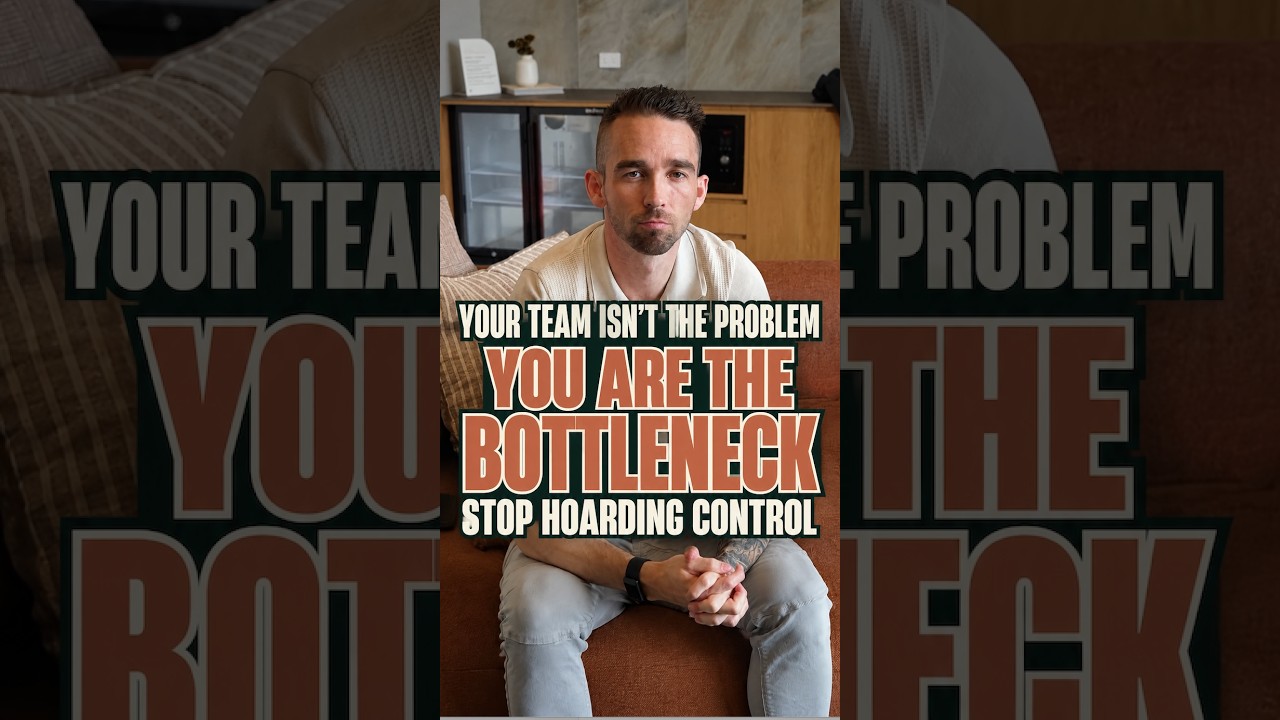
Your team can’t take ownership of work you refuse to hand over. Stop being the bottleneck! #shorts
2w ago

youtube.com
Slow lead replies cost you sales. The fastest business usually wins. Full episode in my channel!
2w ago