Episode 6: How to Troubleshoot and Get Support for Your Matic

25 Aug 2026 · 1 min
1:19

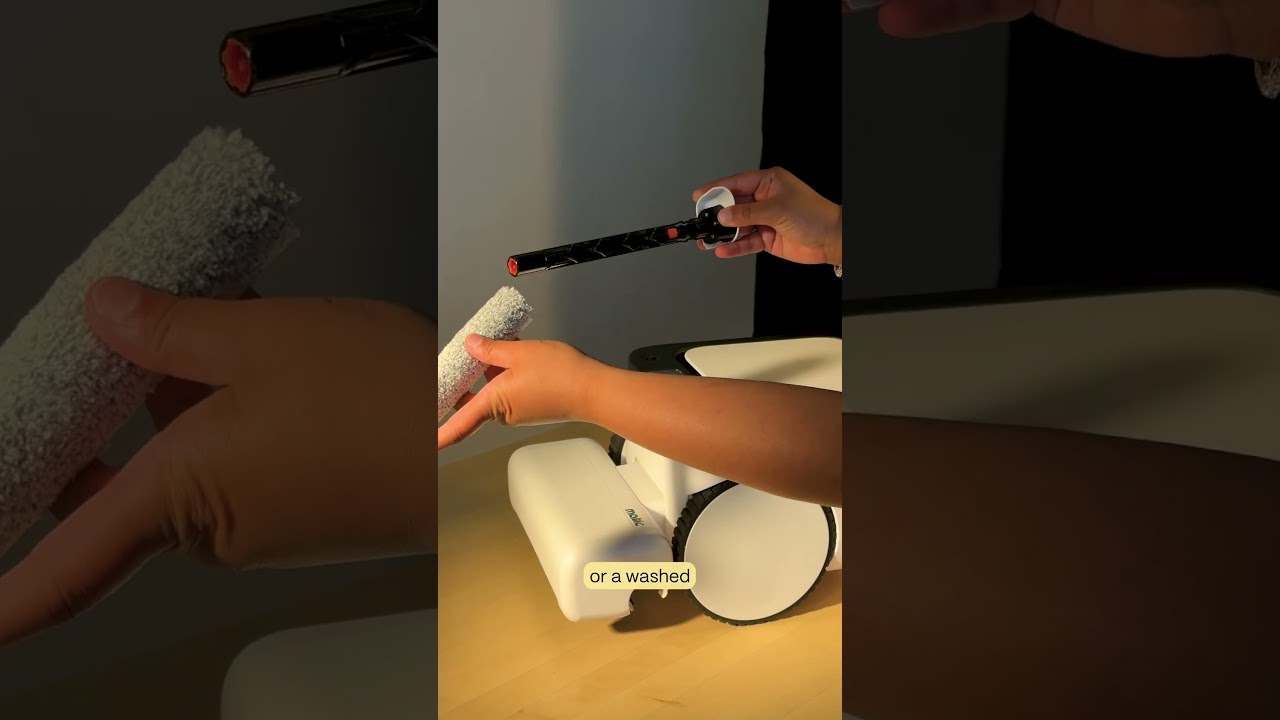
In this instructional segment, the presenter walks users through the Matic app’s built‑in troubleshooting workflow. When an error occurs, the app displays an on‑screen message together with a step‑by‑step tutorial to resolve the issue. If the problem persists, the error prompt directs users to Settings → Contact Us where they can submit a support ticket. The presenter highlights two actions that speed up resolution: completing any additional troubleshooting steps requested in the ticket form, and optionally enabling Debug Data Sharing (found under Settings → Troubleshooting Data) so engineers receive diagnostic logs. The segment also points viewers to the Settings tab and the website’s support page for deeper guides and tutorials, emphasizing that help is always just a ticket away.

Chapters

More from Mehul

0:36
youtube.com

First American Robot Company to get FCC Approval

2d ago
2:05
youtube.com

Introducing Cues: Voice & Gesture Control for Matic

2w ago
1:22
youtube.com

The Matic Manifesto: 9 Years Building Robots for Real Homes

2w ago
1:18
youtube.com

Episode 7: Everything Inside Your Matic's Accessories Box

1mo ago
1:38
youtube.com

Episode 5: How Matic actually Cleans

1mo ago
1:44
youtube.com

Episode 4: All the Ways you can Clean with Matic

1mo ago
2:08
youtube.com

Episode 3: How to Start Your First Clean with Matic

1mo ago
2:03
youtube.com

Episode 2: Customize Your Zones, Floor Types, and Room Boundaries

1mo ago
1:39
youtube.com

Episode 1: Downloading the Matic App, Pairing, and Mapping

1mo ago
1:06
youtube.com

Matic Support: How to replace the Mop Roll

1mo ago
1:05
youtube.com

Matic Support: How to clean the Wringer

1mo ago
See all content