Matic Support: How to replace the Mop Roll

18 Aug 2026 · 1 min
1:06

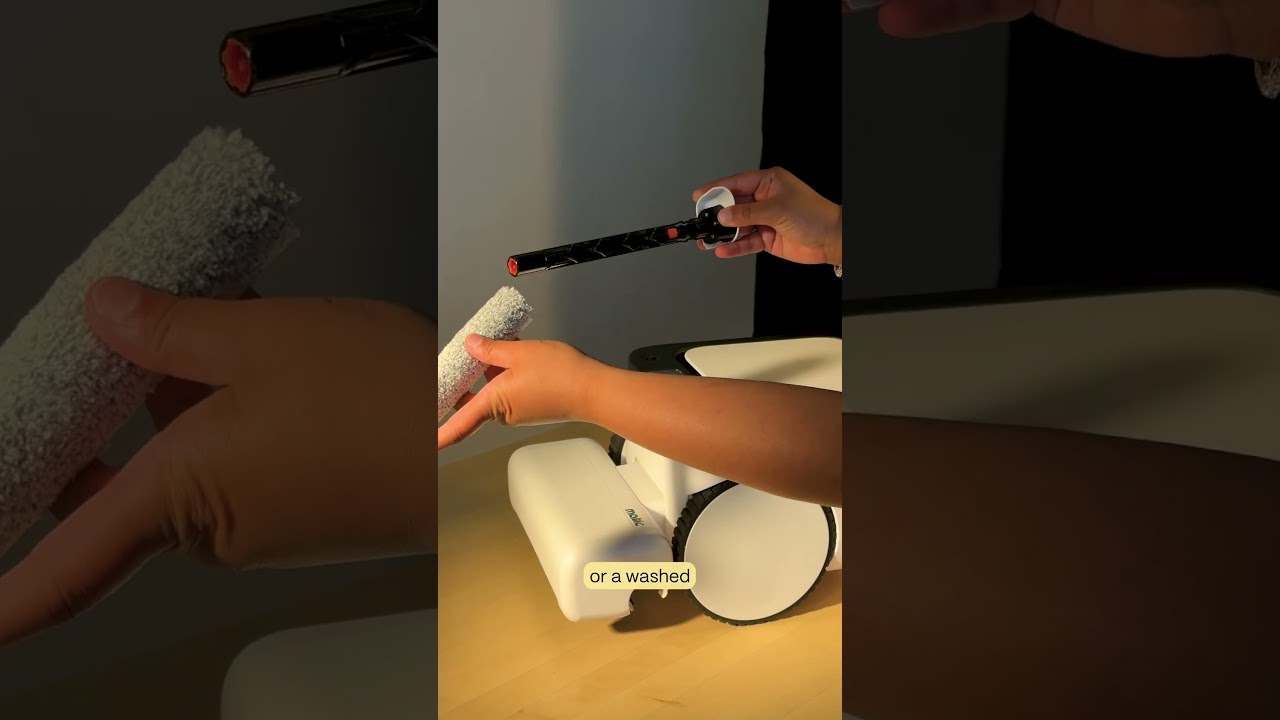
Replace your Matic mop roll when you see a worn-out error or after three months. Pull the groove on the right side of the cleaning head, press the larger orange button to release the core, clear hair from the idler, reinsert and lock it, slide in a fresh mop roll until it clicks, then update the app to Settings and tap new mop roll inserted.


Chapters

More from Mehul

2:05
youtube.com

Introducing Cues: Voice & Gesture Control for Matic

2w ago
1:22
youtube.com

The Matic Manifesto: 9 Years Building Robots for Real Homes

2w ago
1:18
youtube.com

Episode 7: Everything Inside Your Matic's Accessories Box

1mo ago
1:19
youtube.com

Episode 6: How to Troubleshoot and Get Support for Your Matic

1mo ago
1:38
youtube.com

Episode 5: How Matic actually Cleans

1mo ago
1:44
youtube.com

Episode 4: All the Ways you can Clean with Matic

1mo ago
2:08
youtube.com

Episode 3: How to Start Your First Clean with Matic

1mo ago
2:03
youtube.com

Episode 2: Customize Your Zones, Floor Types, and Room Boundaries

1mo ago
1:39
youtube.com

Episode 1: Downloading the Matic App, Pairing, and Mapping

1mo ago
1:05
youtube.com

Matic Support: How to clean the Wringer

1mo ago
2:14
youtube.com

Matic Support: How to troubleshoot Mop Roll Missing, Jammed or Worn Out Error

1mo ago
See all content