Matic Support: How to troubleshoot Mop Roll Missing, Jammed or Worn Out Error

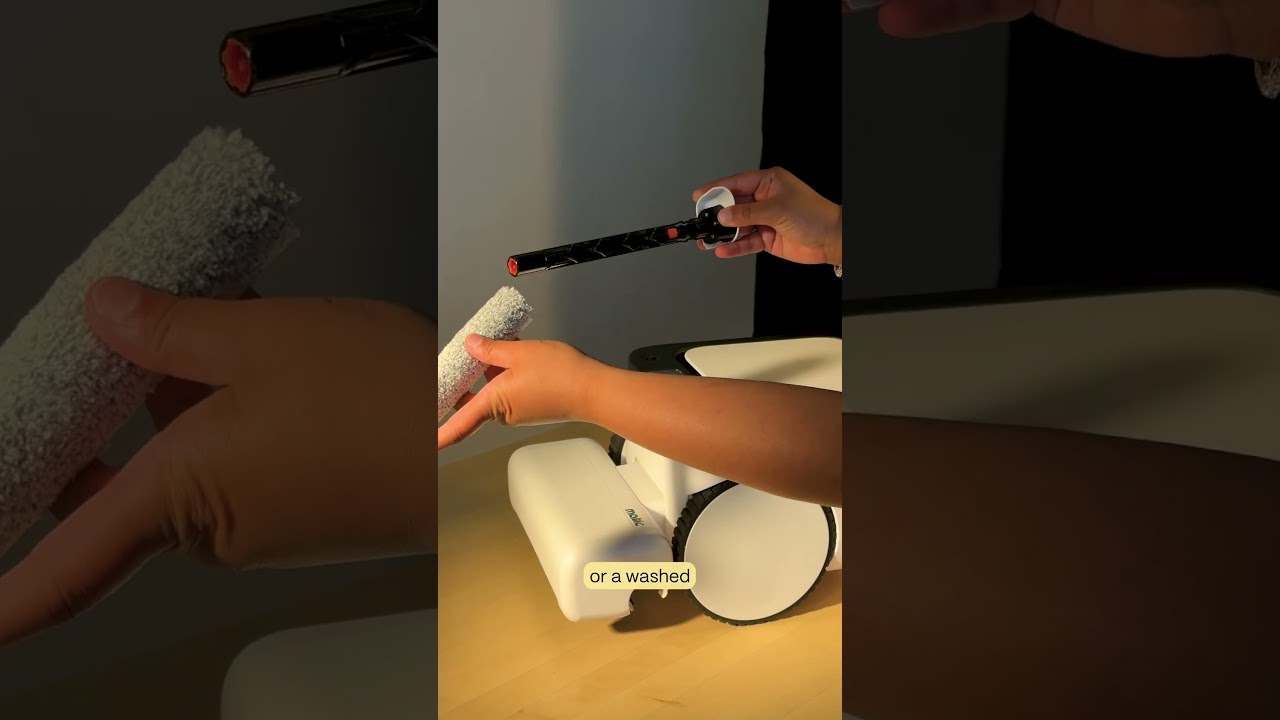
The video provides a step‑by‑step instructional guide for diagnosing and resolving mop roll issues on the Matic robot vacuum. It begins with physical inspection: kneeling in front of the robot, locating the groove, pulling out the mop roll, checking the cleaning cavity for debris, and assessing the roll’s condition. If the roll is old or the problem persists, the tutorial explains how to remove the roll from the black core, replace it with a new one, and ensure it clicks into place. For persistent jams, the presenter advises disassembling the mop roll into its three components—idler, core, and roll—checking each for damage, and photographing them. The next phase involves an advanced diagnostic: using the robot’s Settings → Troubleshooting Data → Advanced Controls → Mop Hard Floor test, listening for the driveshaft spin, and noting whether the robot reports a "mop roll jammed," "mop roll missing," or no error. Finally, the guide outlines the exact information to provide when contacting customer support, including the photos, the auditory test result, and the specific error observed.