Ending Zoom Control Bar "Interference" When Screen Sharing - A Microlearning Video
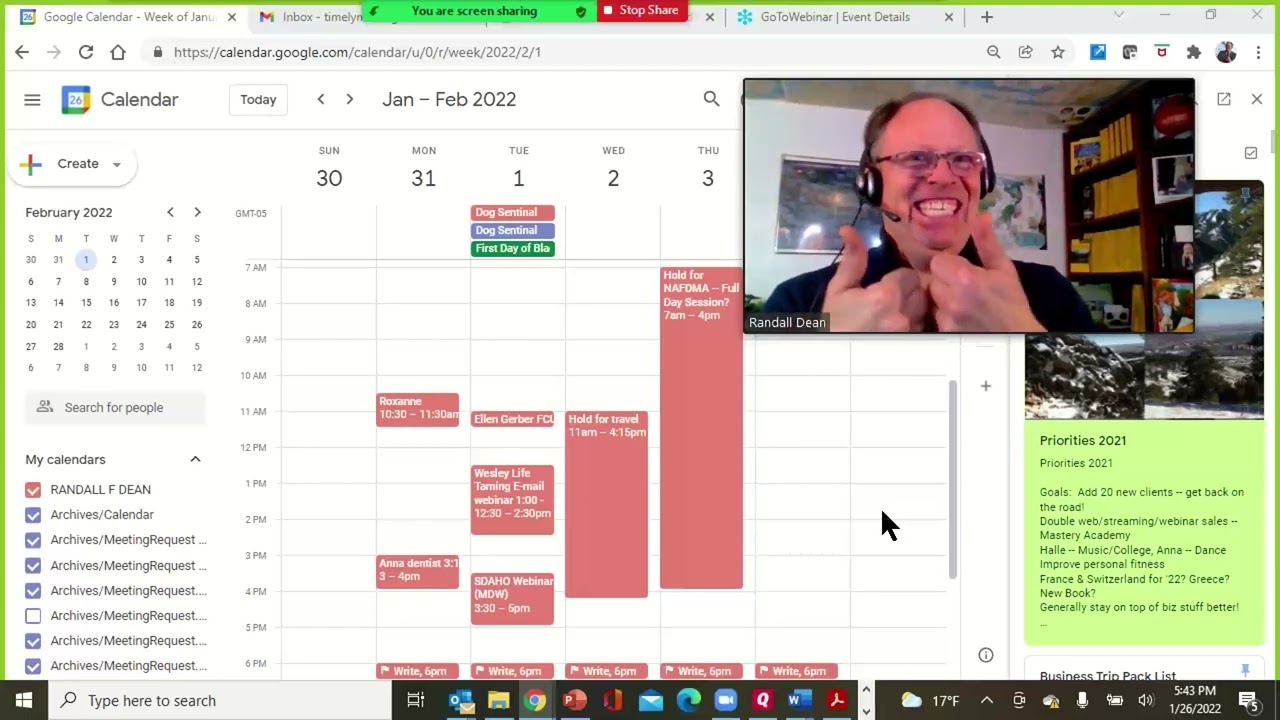
In this short microlearning video, Randall F. Dean (the “Email Sanity Expert”) demonstrates a practical tip for Zoom presenters: dragging the screen‑sharing control bar down so it no longer obscures content at the top of the screen, and then pinning it back up when needed. He walks through the action step‑by‑step while sharing his own Gmail screen, explains that the bar can be moved down to access browser tabs, and shows how to restore it. Dean also mentions that he was using GoToWebinar layered on top of Zoom to illustrate the technique. The video ends with a brief self‑promotion, inviting viewers to visit his website, email him for productivity tip sheets (time management, email, Outlook, Google Workspace, mobile), and subscribe to his channel.
Chapters
More from Randall

This simple #ADHD #hack might end your #tasklist paralysis called #executivedysfuntion #productivity

Have #ADHD? Do you make a daily #tasklist ? This might help. #tasks #productivity #procrastination

Found too many cool Petoskey Stones and “Greens” on vacation. Had to do something!


Another free #pallet project: I built a heavy duty #ladder stand for #housepainting

Quick Windows Tip: Organizing Multiple Windows on One Monitor or Screen for Faster Multi-Tasking!

Classic Outlook (New Screen): Converting an Email to Task, Calendar, or Contact Using Drag & Drop

Email Sanity Expert Tests SaneBox: Is This AI Email Tool Worth It? Might be for overloaded inbox!

Taming the Outlook Email Beast: 3 Flexible Learning Paths to Master Your Inbox (Video Course Intro)

#workspace #productivity multiscreen setup #email #calendar #pdf #outlook #gmail #microsoft #google
