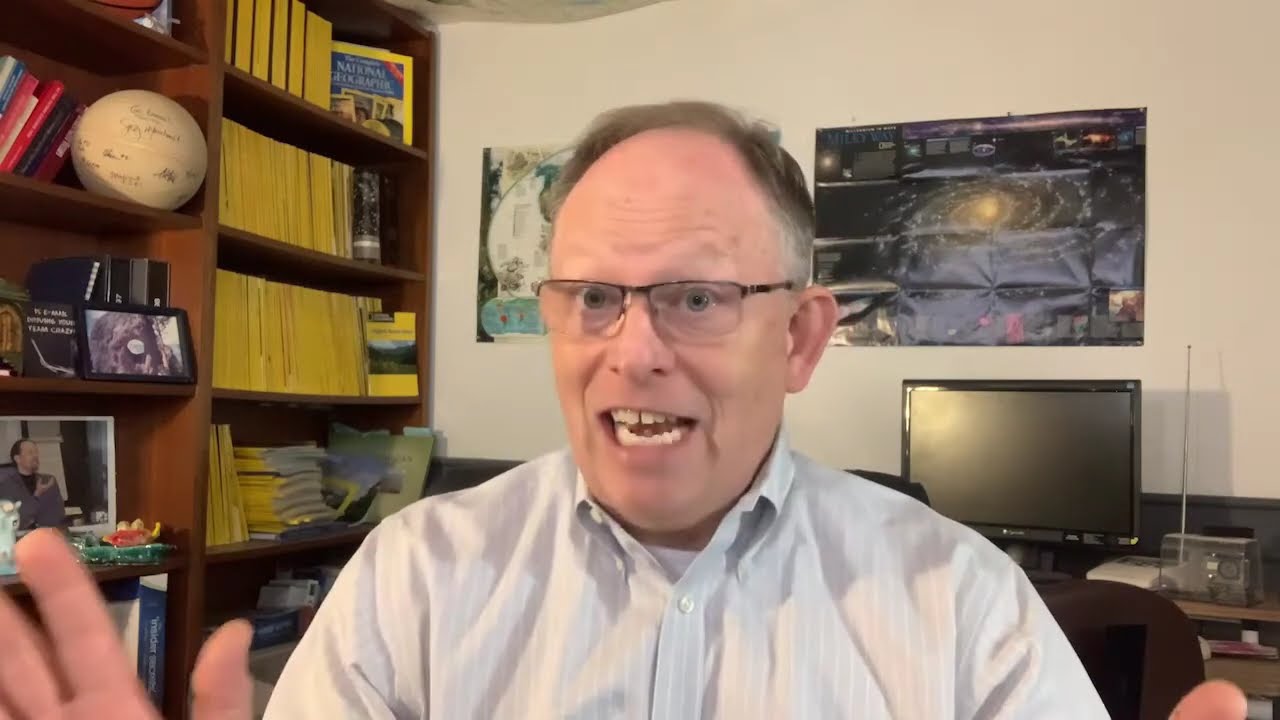
Randall F. Dean, the Email Sanity Expert, walks through how to get the most from webinar replays: watch twice, print handouts, use dual monitors, and practice as you go. He points to his YouTube channel with 100+ videos and his ebook Taming the Email Beast for more help.
Chapters
Hi everybody, Randall F. Dean, Email Sanity Expert here. I'm assuming if you're watching this video, you are about to watch the full-length version, full-length video programs. All right. And I wanted to give a couple of quick notes before you dive into this. First, the way my recording software for those live webinars worked, it did not capture my face talking. It will only be my audio. However, you will get the video of all of the demos, so you'll see all the tech demos. So, you know, my apologies that you don't get to see this beauty throughout, but for some of you, that will be an improvement. But what I wanted to also share is that I wanted to give you a little tip of how I would watch these programs. If you have the time to do this. And here's what I'd recommend: print out your handouts file— should be there available for you— and as you're going through it the first time, just watch the program and take some quick notes of the things you like best. Highlight them, star them, highlight, whatever it is. Point those things out in your handouts file. Then come back and watch it a second time possibly on screen 2 if you have a dual monitor setup. So you'll have me on screen 2 and your primary email software tool on screen 1, and your hand on the pause and rewind button. You could even fast forward to the things that you found most useful and then practice them in real time. Pause, rewind, practice, and build those skills. So in essence, what I'm saying is part 1, strategic. That's the first view. Set part 2 down in the weeds and learn this stuff. That's where you're getting under the hood. And if you can do it both ways, I think that you'll both understand the scope and the strategy of what I'm trying to share with you here, but then you'll also be able to pick up those technical skills. And don't forget that you have the other materials, the YouTube channel guide, which has links to more than 100 videos, not just on email but on a whole bunch of other productivity and tech tips. As well as the ebook on Taming the Email Beast. So let's say you get through this and you want even more depth and structure, dive into that too, because don't forget that ebook is integrated with my YouTube channel. So when you get to the technical tips, it launches you right to the videos. Um, so I think both of those are going to be very, uh, helpful and useful tools for you to build out the skill set and hopefully regain the time you're investing here, back very quickly. Now, one other thing that I'll share with you here is, as we get to the end of this little video, if you're part of a professional group or association, you have a decent-sized conference and/or convention, this idea of 3 programs, one for people using the new one, Web Outlook, one for people using the old Outlook and one for people using Gmail might be a really cool offering at your professional group or association meeting, conference event, and/or webinar series. So, uh, keep that in mind because, um, you know, that might be a really useful way to give them a little more specificity than I can do in a typical single session where I'm trying to cover all three. There's enough depth there to where I could do each one as, you know, a 60 to 75 minute program that will give much greater depth to those specific versions of the software. So just keep that idea in mind. Um, please excuse my little bit of shameless self-promotion there. Um, the other thing I'd recommend at the very end is to consider, uh, either subscribing to my e-newsletter. Um, that is easy to do. Just send me an email, timelyman@outlook.com or randy@randalldean.com. Either one will work. And just put subscribe in the subject line. You don't have to do anything more than that. I'll get you on the list. You'll start getting my monthly e-newsletter, and that's where I'm posting a lot of my videos. Um, second place would be LinkedIn. Uh, you could either follow me or send me a connection request. Uh, when you send me the connection request, tell them it's because you watched one of these videos, and you can connect with me. And I usually post both my e-newsletter and all of my new videos there too. So, uh, with, with that, I'm gonna say I really hope you get a lot out of this program. I hope you find it super useful. Thanks again for watching. Thanks again for taking a look. Bye now.