Microlearning Video: Tip For Windows Program Navigation / Accessing Programs Quickly Start Button
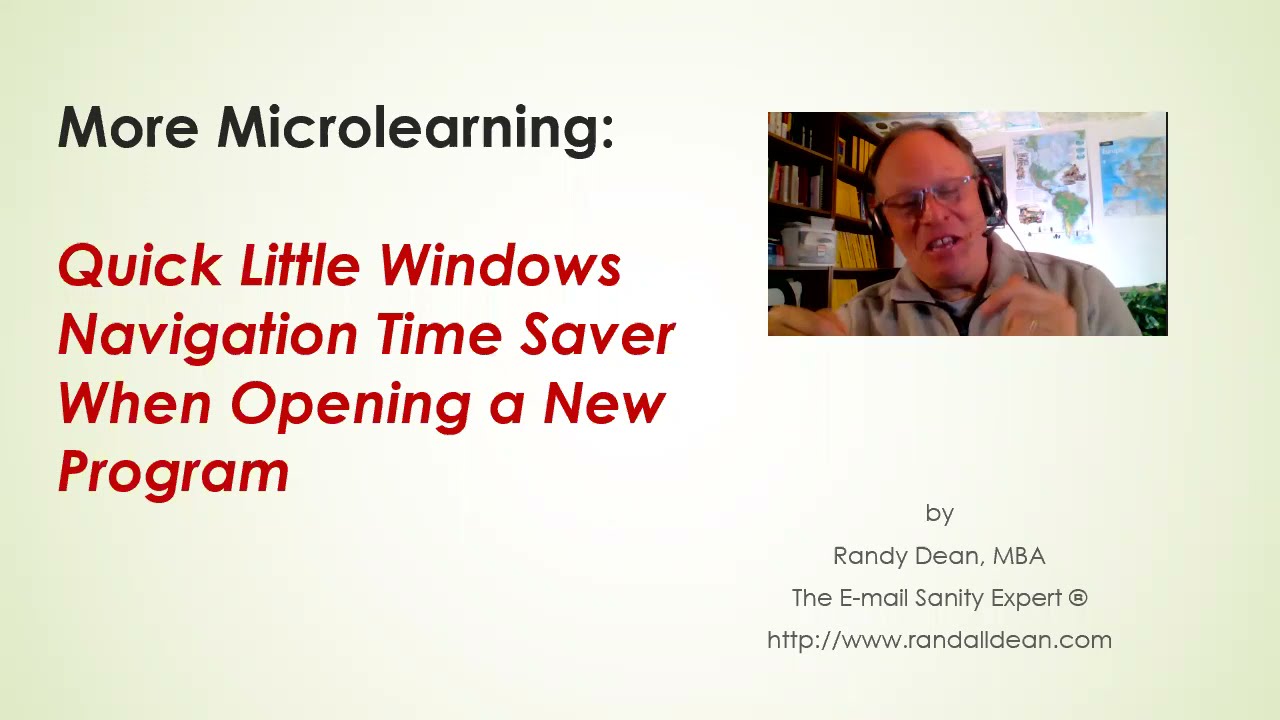
Randall F. Dean shows three ways to launch Windows apps faster: press Start then V for the video editor, use the # button for an alphabetical list, or hit Shift + Fn + F5 to open PowerPoint.
Chapters
Hi everybody, Randall F. Dean, email sanity expert. So I'm making the other video that I'm recording and putting on my YouTube channel today. And I realized I saw another really good microlearning tip that I could share with everybody right now. And let me show you this tip. This is so, so quick, so easy. Uh, one of the things I was doing is I realized I had to do a little video edit, uh, to the other video I'm making. And so I want to go open up my video editor. Now, of course I could come down here and click Start, and then page all the way down to the video editor under letter V. Or, want to be really slick, let's try something different. Go back up at the top, see this little button right here? Click on that, click on the letter V, your editor's right there. Bam! It's that fast. All right, there's your tip. Why are you scrolling all through the whole alphabet when you could just click on, once again, right there? See the little number sign? Click on that. It brings up your list of the letters of where your programs reside. Hey, cool. Let's go to Microsoft Paint. Hey, no, I'm not going to do that. All right, that was the tip. Hope you had fun with that one. Thanks for your time. Once again, Shift Fn F5 to launch your PowerPoint, a little micro tip if you didn't know that one too. Thanks for your time watching today's little quick tip video for Windows navigation to your programs. I'm Randall F. Dean, email sanity expert. Learn more about me here. You like the video, click like, consider subscribing to the channel, make a comment if you've got a quick way to navigate around too. And you get my productivity PDF tip sheets, which I mentioned in a lot of my previous videos, just by sending me an email, randy@randalldean.com, and putting YouTube PDF in the subject line. Thanks, signing out.
More from Randall

This simple #ADHD #hack might end your #tasklist paralysis called #executivedysfuntion #productivity

Have #ADHD? Do you make a daily #tasklist ? This might help. #tasks #productivity #procrastination

Found too many cool Petoskey Stones and “Greens” on vacation. Had to do something!


Another free #pallet project: I built a heavy duty #ladder stand for #housepainting

Quick Windows Tip: Organizing Multiple Windows on One Monitor or Screen for Faster Multi-Tasking!

Classic Outlook (New Screen): Converting an Email to Task, Calendar, or Contact Using Drag & Drop

Email Sanity Expert Tests SaneBox: Is This AI Email Tool Worth It? Might be for overloaded inbox!

Taming the Outlook Email Beast: 3 Flexible Learning Paths to Master Your Inbox (Video Course Intro)

#workspace #productivity multiscreen setup #email #calendar #pdf #outlook #gmail #microsoft #google

