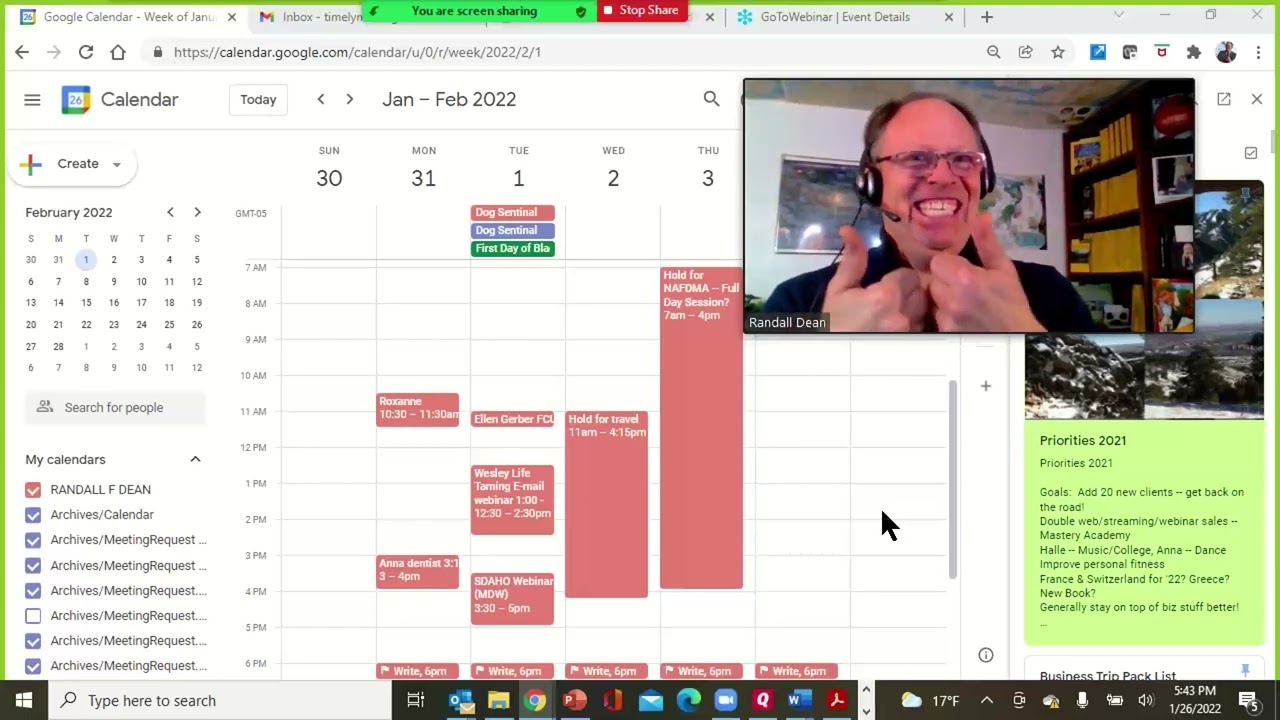
Randy Dean shows how to drag Zoom's screen-sharing control bar down so it stops blocking your content. He demonstrates the click-and-drag technique in real time, then moves it back when you need it again.
Chapters
Hi everybody, Randy Dean, Email Sanity Expert here. Hey, I'm making a second little microlearning video because this one I actually learned how to do when I was doing that same presentation yesterday from the microlearning video I did earlier. And this one I think could be super useful for all of you Zoomers out there. You ever been in a situation where you've been leading a presentation or sharing screen in Zoom and the control panel at the top gets in the way of what you're trying to show them. Uh, for instance, let me show you the really simple one. Uh, I was in there showing some stuff in Gmail yesterday, and so I had my browser open and I was trying to get to some of the tabs, and this darn thing kept popping down on me. So let me show you what I did. You can come up here and grab the bar and move it, and now you can click on your tabs. Isn't that cool? I did not know I could do that until yesterday when I was getting frustrated trying to move it out of the way. And by the way, if you move it down here, you can do stuff, but if you move it back to the top, it pins back to your top bar, and then we'll do this again. But if you need to get it out of the way because you're showing something at the top of your screen, you just move it down here, and then you can jump around your screen. Yay! And then you can put it back. That's the tip. It'll save you total nightmare if you're doing what you're doing. And if you're wondering, I'm actually doing a GoToWebinar on top of a Zoom to be able to show you how I did this. That's getting creative. All right, let's finish this thing up. I'm gonna go back and say thank you once again for your time. I am Randy Dean, the Email Sanity Expert. If you'd like to learn more about me and my programs, check out my newly updated website, randy@randaldean.com. And if you like these videos, please give them a like. Please consider subscribing to the channel. Make some comments if you see anything that you think might be useful. And also, if you'd like to get my productivity tip sheets on time management, email management, Outlook usage, Google usage and Google Workspace usage, uh, smartphone tablet usage. Hey, and I've even got a few videos on GoTo and Zoom out here that you could go check out. Uh, you know, send me an email randy@randaldean.com, put YouTube PDF in the subject line, and I'll get you the stuff you need. Awesome. Thanks everybody.