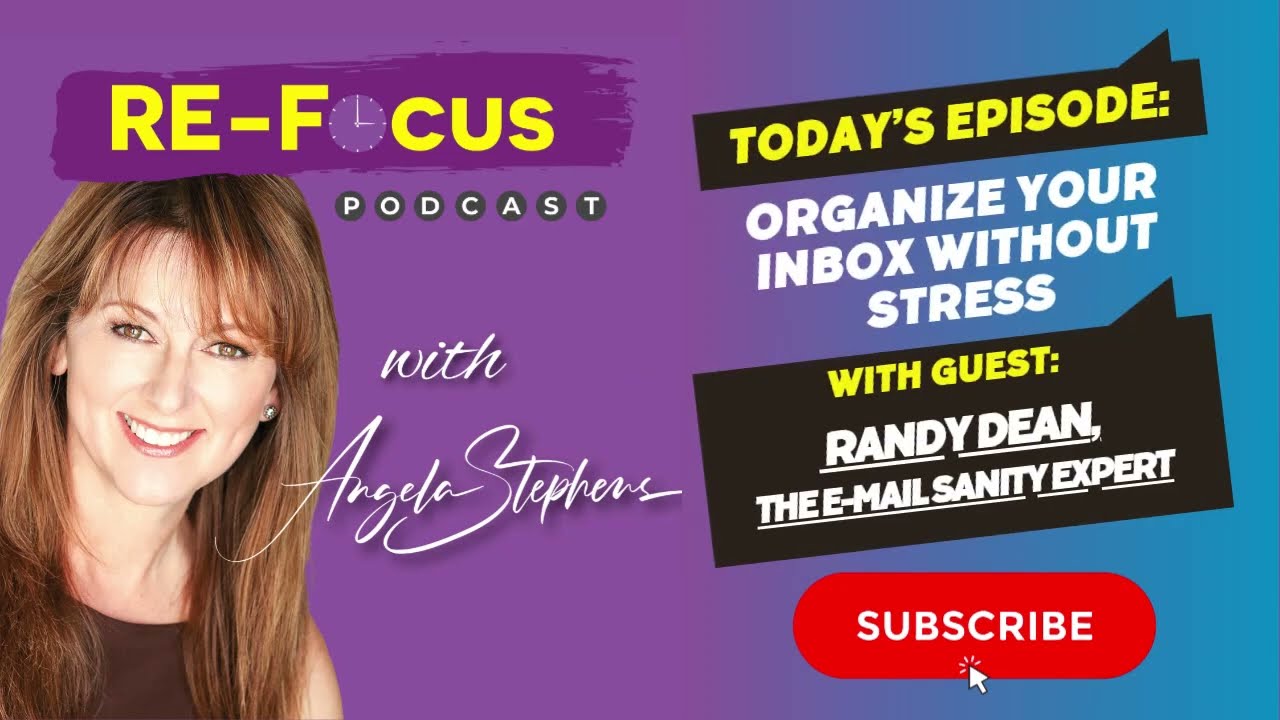
Randy Dean, an Email Sanity Expert, says treat every email as one or more tasks: reply, send a document, schedule a call, or even just think about it. Extract the task, add it to your task list or calendar, then delete the email. This cuts clutter and makes email faster.
Chapters
Hi everybody, Randy Dean, Email Sanity Expert here. Hey, wanted to make a really quick video that might provide you with some help in how to think about your emails in a way that might make you more efficient at managing and processing them. And this is irregardless of which software you use. The suggestion that I have— and try it for a while, see if this helps— is to think of every incoming email not as a message, but instead as a task that needs to be identified. And when I say this, here's what I mean. The email's coming in, and of course it's a communication from the other party. But within that communication is probably an expectation of something that you need to do. Now, sometimes the thing you need to do is just understand what they've sent you and have it in your mind for later. But that's still a task: understand this message. Another task might be, um, send thoughtful reply. Another task might be send requested document. Another task might be make this phone call. Another task might be call this meeting. Another task might be create and share this document. There's a lot of tasks that are coming in from those messages. A task might be request status update, because you get a message and then you still have an open question. I was even at a session a few years ago where I was challenged on this whole concept of identifying the task that is inside of the message, or tasks. Sometimes there's multiple tasks in there. And it was by a college professor, no less. And he goes, "But Randy, sometimes you just can't make it into a task. Sometimes you need to think about it. You need to ponder the message and think about an appropriate reply." So You can't really just triage it as a task. And I thought about it for a second. I went, well, you know, you just defined the task. The task is ponder this message and think of appropriate reply. That is the task. And I said, and since you think it's going to take a little bit of time, maybe this is when you block on your calendar to set aside time to do just what you just described. And he thought about it. He goes, "You know, actually, that is correct. It's a task." And if you can get your mindset into identifying the task or tasks and then actually getting those tasks or tasks into your task list or your calendar, that then means that you can take the original message at that point and either file it or delete it. And so, you know, think about your mindset when you go into a new message. Don't just look at it as a communication, but look at it as a communication with some kind of an expectation of a to-do, even if the thing you need to do is just understand the information that's in the message or retain it for later. These are all potentially tasks. And I think if you use that mindset, it's going to make your effort with making decisions with your emails cleaner, easier, quicker, more efficient. Hope this gives you an idea of a way you can use this to make your email life a little bit better. Thanks. Bye!