3 ways to not overlap edges in Procreate
21 Jun 2024 · 1 min
0:36
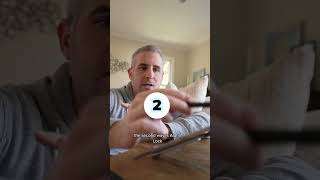
Ryan Maloney shows three ways to paint inside a shape without going over the edges: use layer selection to confine strokes to one layer, enable Alpha Lock to lock transparency, or create a clipping mask to link a new layer to the shape below.
Chapters
More from Ryan




youtube.com
Drawing Mr. Beast into a Beastly Baller trading card #art #drawing #tradingcards card
10mo ago




youtube.com
The first draft of my graphic novel #art #procreate #originacharacter #graphicnovel #drawing
1y ago


See all content
