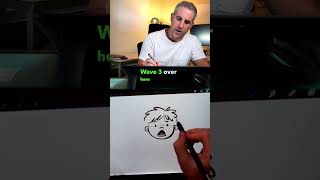
Ryan Maloney shows how to find brushes in Procreate's updated interface and shares two custom brushes he made: the RyRy Smooth Pen, which gets thicker with pressure, and the RyRy Rough Calligraphy Pen, a textured monoline. He explains how to export and share brushes with others.
Chapters
Since Procreate changed their user interface, a lot of people have been asking me where are the pens that I mentioned in my older videos. To an artist, when you open this menu, it's totally overwhelming. I'm usually tapping into the recent tab to get the recent pens that I use because I only use a few. I created a pen with a tapered width and then a calligraphy pen with a little bit of texture. Message me if you want these for free. There's nothing crazy about them. They're variations on the studio pen and the calligraphy pen. If you ever create a pen, you can just hit the share button and send it to your computer and mail it to people. Let me show you what these pens look like. This is the RyRy Smooth Pen. It's tapered. The harder you push down, the thicker the line. And this is the RyRy Rough Calligraphy Pen. It's a monoline, same pixel width, but with a little bit of texture on the line.