0:38
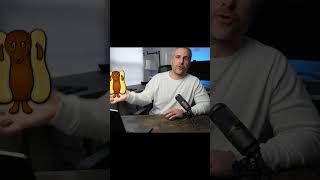
Ryan Maloney shows how to turn a hand-drawn sketch into an animatable puppet in Adobe Character Animator. Import into Animate, separate each body part into its own layer, color with the fill bucket, then rig by duplicating key elements like the mouth. Any layer with a plus sign becomes movable.
Chapters
More from Ryan




youtube.com
Drawing Mr. Beast into a Beastly Baller trading card #art #drawing #tradingcards card
10mo ago




youtube.com
The first draft of my graphic novel #art #procreate #originacharacter #graphicnovel #drawing
1y ago


See all content
