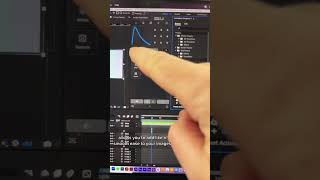
Ryan Maloney shows his After Effects setup for faster client work. He uses Mr. Ed for one-click animations and sound effects, Motion 4 for easing and anchor-point tweaks, and a standardized folder structure that lets him drag assets straight onto the stage.
Chapters
This is how I set up After Effects to save a ton of time when I'm animating videos for clients. Over to the right, I have Mr. Ed, an animation plugin where you can just tap one of these and it automatically adds animation to any of your images or your text. Super handy. It has sound effects, transitions, background shapes. It's— can't live without that. Next to it, I have Motion 4. This allows you to add like a smooth ease to your images. You can also shift around your anchor point and do some other stuff. I haven't really experimented with too much of this. And I have my stage, and then I keep my library pretty organized and standard on all projects using these folder names. Then I just import assets into here. So anytime I'm working on a project, I don't have to guess where all the assets are. I'm used to it by now. I already know I can just drag and drop those from down here to the stage, and then I'm animating quickly.










