0:34
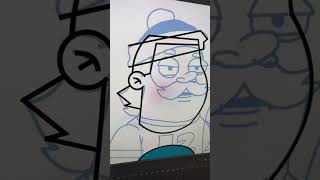
Ryan Maloney walks through building an animatable character in Adobe Animate. He layers simple shapes over a sketch, bends them with the arrow tool, removes artifacts, and smooths outlines. Enable "close small gaps" when filling shapes so they're ready to animate.
Chapters
More from Ryan




youtube.com
Drawing Mr. Beast into a Beastly Baller trading card #art #drawing #tradingcards card
10mo ago




youtube.com
The first draft of my graphic novel #art #procreate #originacharacter #graphicnovel #drawing
1y ago


See all content
