0:29
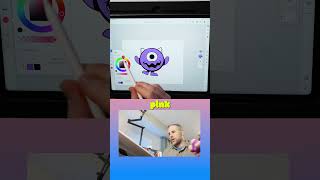
Ryan Maloney shows how to color a character in Adobe Fresca. He merges layers, duplicates for a color base, then paints the horns red with pink, the eyes off-white, and the lips a light pink-purple instead of dark.

Ryan Maloney shows how to color a character in Adobe Fresca. He merges layers, duplicates for a color base, then paints the horns red with pink, the eyes off-white, and the lips a light pink-purple instead of dark.
I'm going to merge selected. So now we have our full character drawn and I'm going to duplicate this layer. Now we have our colored layer on the bottom. I'm just going to do quick, quickly colored in the red horns. I'm going to make a little bit more pink. Eye color. I always like to do like an off-white color. And now for the interior of the lip, we might be able to do like a pink, pinkish purple. Like it's a lip instead of a dark purple. Yeah, I can go with that.

Drawing Mr. Beast into a Beastly Baller trading card #art #drawing #tradingcards card

The first draft of my graphic novel #art #procreate #originacharacter #graphicnovel #drawing










