0:31
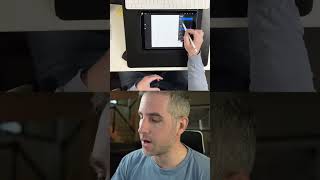
Ryan Maloney shows how to draw smooth lines in Procreate by sketching rough, lowering opacity, then redrawing on a new layer each time. Repeat until smooth enough. Patience matters more than brush settings or pressure sensitivity.

Ryan Maloney shows how to draw smooth lines in Procreate by sketching rough, lowering opacity, then redrawing on a new layer each time. Repeat until smooth enough. Patience matters more than brush settings or pressure sensitivity.
This is the number one tip to get smooth lines in Procreate. It's not about the brush you use, it's not about your canvas settings, it's not about the pressure sensitivity, it's just patience. What I like to do is draw a rough drawing, just get it done as fast as possible. Then I turn down the opacity on that layer, create a layer on top of it. In this drawing, I'm just trying to make it about 50% smoother than the previous version, and I repeat that process until I'm ready at taking a shot of making much smoother lines that connect perfectly. And by perfect, they're never going to be perfect, so just be happy with the ones that you get down there and move on.

Drawing Mr. Beast into a Beastly Baller trading card #art #drawing #tradingcards card

The first draft of my graphic novel #art #procreate #originacharacter #graphicnovel #drawing










