0:22
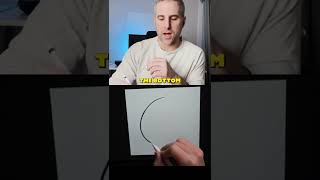
Ryan Maloney shows how to draw tapered lines in Procreate by starting with light pressure and gradually pressing harder. The line gets thinner at the top and thicker at the bottom, creating weighted strokes that add depth to characters and designs.
More from Ryan




youtube.com
Drawing Mr. Beast into a Beastly Baller trading card #art #drawing #tradingcards card
10mo ago




youtube.com
The first draft of my graphic novel #art #procreate #originacharacter #graphicnovel #drawing
1y ago


See all content
