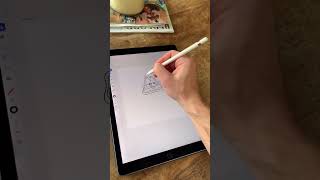
Ryan Maloney draws with the new iPad version of Adobe Illustrator and finds it beats Adobe Draw with smoother lines and true vector scaling. He still prefers Procreate overall but calls Illustrator the best vector app on iPad. He's waiting for After Effects, Character Animator, and Animate to come to the platform.
Chapters
Let's make a random doodle in Adobe Illustrator on the iPad. I have no idea what I'm about to draw. I'm just gonna start doodling and see where it goes. Illustrator for the iPad is different than Adobe Draw. This is a new release. So far, it's the most natural vector program I've drawn in. I'd still put Procreate as the best drawing app available for the iPad, but Adobe Illustrator on the iPad hands down the best vector drawing app so far. The lines are smooth and don't shift on you when you lift up your pen. And I love the fact that I can take a rough, natural drawing and scale it to any size without it pixelating. The cost of this app is included in the monthly Adobe Creative Cloud subscription. Adobe's making an impressive push into the mobile space, and I look forward to see where Illustrator is going to go. I can't wait until Adobe releases some of their animation products for the iPad. After Effects, Character Animator, and Adobe Animate.










