Drawing the perfect basketball star in Procreate
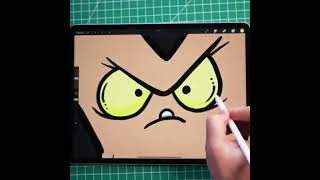
In this YouTube tutorial, Ryan Maloney walks viewers through the complete process of creating a polished, realistic illustration of a basketball star using the Procreate app. The video covers initial concept sketching, establishing pose and anatomy, selecting appropriate brushes and layer structures, applying base colors, building shading and highlights for the uniform and skin, adding dynamic background elements like a court or lighting effects, and finalizing the artwork with texture details and export settings. Throughout, Ryan offers practical tips, demonstrates brush settings, and emphasizes consistency in style, aiming to enable artists of varying skill levels to produce professional‑quality basketball character art.
More from Ryan




Drawing Mr. Beast into a Beastly Baller trading card #art #drawing #tradingcards card




The first draft of my graphic novel #art #procreate #originacharacter #graphicnovel #drawing


