How I go from Procreate to After Effects to animate my drawings
6 Apr 2024 · 1 min
0:55
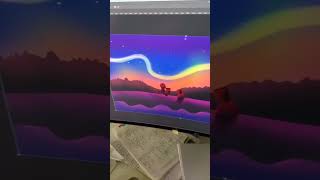
Ryan Maloney shows how to move Procreate drawings to After Effects for animation. He exports as PSD, fixes a Photoshop layer issue by nudging with arrow keys to tighten bounding boxes, then imports into After Effects ready to animate.
Chapters
More from Ryan




youtube.com
Drawing Mr. Beast into a Beastly Baller trading card #art #drawing #tradingcards card
10mo ago




youtube.com
The first draft of my graphic novel #art #procreate #originacharacter #graphicnovel #drawing
1y ago


See all content
