How I speed up my workflow in Procreate
12 May 2024 · 0 min
0:14
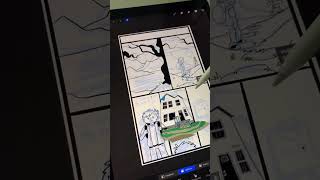
In this short tutorial, Ryan Maloney shares a simple technique to accelerate his Procreate workflow. He creates reusable background elements once in a dedicated document, then copies and pastes those elements into each new frame as needed, adjusting details to fit the specific scene. This approach eliminates the need to redraw recurring assets, saving time and streamlining the animation process.
More from Ryan




youtube.com
Drawing Mr. Beast into a Beastly Baller trading card #art #drawing #tradingcards card
10mo ago




youtube.com
The first draft of my graphic novel #art #procreate #originacharacter #graphicnovel #drawing
1y ago


See all content
