How I use frame by frame rotoscoping in Adobe Animate
9 Apr 2024 · 0 min
0:13
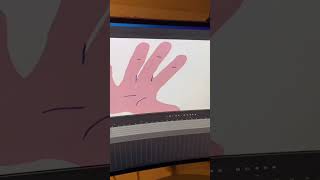
Record reference footage on your phone, check timing in After Effects, then import into Adobe Animate and rotoscope frame by frame to animate extreme camera angles.
More from Ryan




youtube.com
Drawing Mr. Beast into a Beastly Baller trading card #art #drawing #tradingcards card
10mo ago




youtube.com
The first draft of my graphic novel #art #procreate #originacharacter #graphicnovel #drawing
1y ago


See all content
