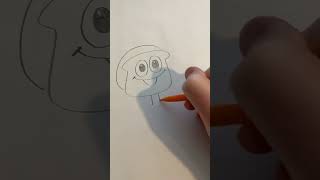
How to animate a simple character Part 1 #art #characterdesigner #characterdesign #adobesoftware
17 Dec 2024 · 1 min
0:52
Ryan Maloney shows how to build a simple cartoon character in Illustrator and set it up for automatic lip-sync in Character Animator. He draws a baloney sandwich on rollerblades, organizes the artwork into layers with separate mouth shapes for each phoneme, then names them so Character Animator can auto-animate the character using a webcam.
Chapters
More from Ryan




youtube.com
Drawing Mr. Beast into a Beastly Baller trading card #art #drawing #tradingcards card
10mo ago




youtube.com
The first draft of my graphic novel #art #procreate #originacharacter #graphicnovel #drawing
1y ago


See all content
