How to auto-post to your website from Procreate
2 Sept 2024 · 1 min
0:37
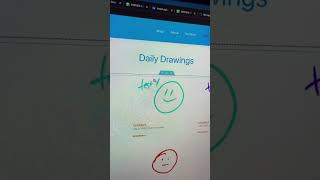
Ryan Maloney shows how to post Procreate drawings directly to WordPress. You need Procreate, the WordPress app, and Elementor. The key step is adding custom code to functions.php so WordPress generates thumbnails for your images automatically.
Chapters
More from Ryan




youtube.com
Drawing Mr. Beast into a Beastly Baller trading card #art #drawing #tradingcards card
10mo ago




youtube.com
The first draft of my graphic novel #art #procreate #originacharacter #graphicnovel #drawing
1y ago


See all content
