How to create eye blinks in Adobe Animate Part. 1
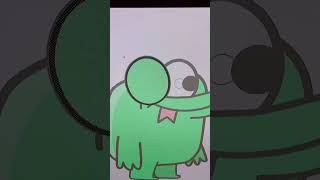
In this tutorial, Ryan Maloney demonstrates a practical workflow for animating eye blinks in Adobe Animate. After designing a character, he copies the eye white shape onto a new layer, breaks it apart (Cmd/Ctrl+B), and converts it into a symbol. He then isolates the white part, recolors it to match the skin or body, and uses this as the closed‑eye state, placing it on frame 4 of the timeline. All frames are turned into blank keyframes while preserving frame 4. By copying frame 4 to frame 3 and erasing a line, then copying frame 3 to frame 2 and erasing more, and repeating for frame 1, he incrementally creates the closing motion. Black lines are drawn on each frame to define the eyelid shape. Finally, frames 1‑3 are copied, frames 6‑8 are set to blank keyframes, and the copied frames are pasted to complete the blink cycle, resulting in a smooth eye‑blink animation.
Chapters
More from Ryan




Drawing Mr. Beast into a Beastly Baller trading card #art #drawing #tradingcards card




The first draft of my graphic novel #art #procreate #originacharacter #graphicnovel #drawing


