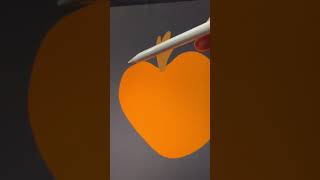
Ryan Maloney shows how to create a carving animation in Procreate by sketching a full pumpkin, cutting parts onto separate layers, then moving them independently. Pre-plan each move before recording to get that smooth, magic trick reveal when you post the video.
Chapters
Here's how to do drawing magic in Procreate. The first step is to think of the ending first. Always know where you want the drawing or video to go. In this video, I wanted to draw a pumpkin and at the end just move around the pieces to carve it. This video will give you the basic idea of how I do it. I'm drawing a rough pumpkin to illustrate the concept. Make your drawing however you want it to look, with shading or lines or whatever you want to add. Next, we're going to cut pieces of the drawing and paste it onto different layers. I'm gonna cut the top of the pumpkin off because I know I'm gonna lift that up at the end. So now I have a hole in the pumpkin. I'll paste it onto another layer. Now this gives me the ability to slide it up or slide it down. So I'll slide it up and I'll add detail that will be hidden by the front of the pumpkin. I'll make sure this top part is below that front of the pumpkin and I'll slide it back into place. So just like a magic trick, most of these moves are set up and thought about before I hit post.










