0:15
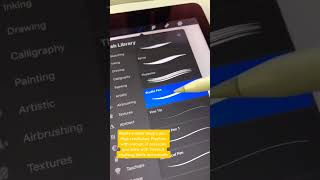
Ryan Maloney shows how to get sharp lines in Procreate: use the Studio Pen brush, set Streamline smoothing to 45%, and work at high canvas resolution. Keep other brush settings at default.
More from Ryan




youtube.com
Drawing Mr. Beast into a Beastly Baller trading card #art #drawing #tradingcards card
10mo ago




youtube.com
The first draft of my graphic novel #art #procreate #originacharacter #graphicnovel #drawing
1y ago


See all content
