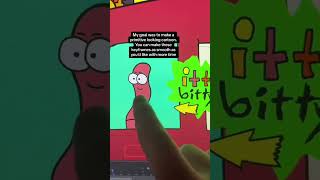
In this brief tutorial, Ryan Maloney walks viewers through the file structure and animation workflow he used to create Sarah's "Story of a Worm" cartoon music video in Adobe Animate. He explains how the Animate timeline holds all keyframes where animation events occur, how he stores reusable character symbols in the library, and how he builds a single, extensive timeline for each character that is divided into scene chunks (e.g., a donut karate‑chop scene, a yellow Walkman on a park bench scene). He also mentions the simple addition of background layers to complete each scene. The video serves as a practical demonstration of organizing assets, timelines, and scenes efficiently within Animate.
Chapters
More from Ryan




Drawing Mr. Beast into a Beastly Baller trading card #art #drawing #tradingcards card




The first draft of my graphic novel #art #procreate #originacharacter #graphicnovel #drawing


