0:29
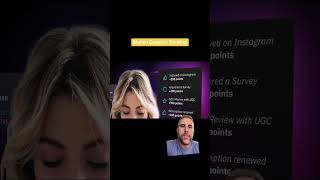
Ryan Maloney walks through creating motion graphics from a flat image by flipping it vertically, separating elements into 3D space, and zooming into the upper-left corner to add depth and movement to the final composition.

Ryan Maloney walks through creating motion graphics from a flat image by flipping it vertically, separating elements into 3D space, and zooming into the upper-left corner to add depth and movement to the final composition.
Client wanted to add some motion to their graphics. So the first thing I do is think about this backwards. What do I want the final frame to look like? I know I'm going to add some more text over that, so that's going to be part of it. I know I want to zoom in to this upper left-hand corner and I want to expand. That isn't ideal because this is a flat image, so I'm going to flip it up vertically. Ideally, it'd be video footage spinning around a person that didn't look so flat, but we can still separate all these layers in 3D space to give it a little bit more depth. Here's what it ended up looking like.

Drawing Mr. Beast into a Beastly Baller trading card #art #drawing #tradingcards card

The first draft of my graphic novel #art #procreate #originacharacter #graphicnovel #drawing










