My 3 Favorite Procreate Pens #art #drawing #characterdesign #characterdesigner #procreate
12 Dec 2024 · 1 min
0:55
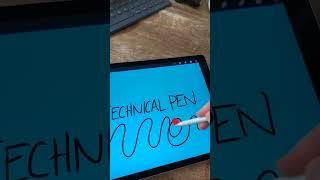
Ryan Maloney shows his three favorite Procreate brushes for character design. He raises the Studio Pen's streamline for smoother lines, uses the Technical Pen when rushing despite occasional color bleed, and configures the Calligraphy monoline to 1% size for consistent 1-pixel lines like Shel Silverstein's drawings.
Chapters
More from Ryan




youtube.com
Drawing Mr. Beast into a Beastly Baller trading card #art #drawing #tradingcards card
10mo ago




youtube.com
The first draft of my graphic novel #art #procreate #originacharacter #graphicnovel #drawing
1y ago


See all content
