0:35
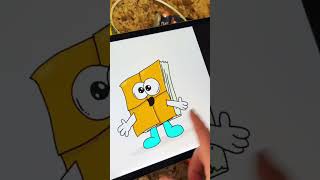
Ryan Maloney walks through his system for creating multiple illustrated character books at once. He uses Notion to track characters, draws them in Procreate organized by book, exports as PNGs, then duplicates an InDesign template for each of roughly 20 books and customizes from there.
Chapters
More from Ryan




youtube.com
Drawing Mr. Beast into a Beastly Baller trading card #art #drawing #tradingcards card
10mo ago




youtube.com
The first draft of my graphic novel #art #procreate #originacharacter #graphicnovel #drawing
1y ago


See all content
