0:12
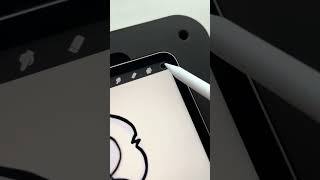
In this brief instructional clip, Ryan Maloney points out a common issue in Procreate where dropping a color into a shape leaves unwanted edge lines around the fill. He demonstrates a simple fix: after dropping the color, keep the stylus pressed down and slide it slightly to the right. This motion eliminates the visible edges, resulting in a clean fill.
More from Ryan




youtube.com
Drawing Mr. Beast into a Beastly Baller trading card #art #drawing #tradingcards card
10mo ago




youtube.com
The first draft of my graphic novel #art #procreate #originacharacter #graphicnovel #drawing
1y ago


See all content
