Self publish books on Amazon KDP Part 2/3
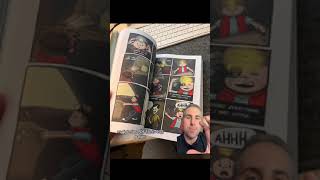
In this tutorial Ryan Maloney explains the two essential PDF files needed to publish a book on Amazon KDP: a cover PDF and an interior PDF. He describes how KDP provides sizing templates, using a 6" x 9" graphic novel as an example. The cover PDF must include the front cover, spine (integrated into the template), and back cover with the ISBN. The interior PDF contains all the interior pages; for his book this means a 432‑page PDF. Ryan emphasizes following the template dimensions and applying the correct bleed (approximately 0.0125 inches) when setting up files in InDesign. He also notes that after uploading, KDP’s preview and quality‑check panel will list any errors that must be fixed before the book can be approved and listed for sale.
Chapters
More from Ryan




Drawing Mr. Beast into a Beastly Baller trading card #art #drawing #tradingcards card




The first draft of my graphic novel #art #procreate #originacharacter #graphicnovel #drawing


