Self publish books on Amazon KDP Part 3/3
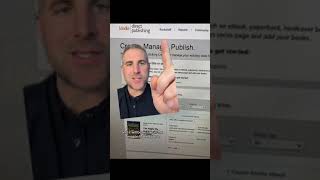
In this segment of his three‑part tutorial, Ryan Maloney walks viewers through the essential steps to launch a book on Kindle Direct Publishing (KDP). He outlines the prerequisites—an Amazon account and detailed book metadata such as title, edition, author, contributors, illustrators, keywords, and categories—explaining how these elements streamline the setup process. Once a title is listed, it appears on the KDP bookshelf and becomes available for sale on Amazon, with sales reports and royalty figures accessible in the dashboard. Maloney discusses pricing strategy, emphasizing that royalty rates depend on print quality and page count. He demonstrates his own approach of selecting a regular printed paper (a lower‑quality, faded finish) for his graphic novel to reduce printing costs and boost profit margins. He concludes by urging viewers to watch the earlier videos for a complete workflow and wishes them success.
Chapters
More from Ryan




Drawing Mr. Beast into a Beastly Baller trading card #art #drawing #tradingcards card




The first draft of my graphic novel #art #procreate #originacharacter #graphicnovel #drawing


