0:46
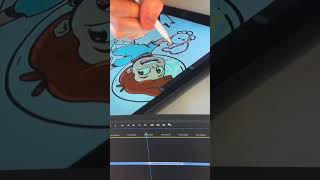
Ryan Maloney speeds up long drawing recordings to 375% and uses Command+K to auto-slice the timeline every second, then deletes boring parts and closes gaps. The whole process cuts editing time compared to his TikTok workflow.

Ryan Maloney speeds up long drawing recordings to 375% and uses Command+K to auto-slice the timeline every second, then deletes boring parts and closes gaps. The whole process cuts editing time compared to his TikTok workflow.
Here's how I speed edit in Adobe Premiere. When I make my TikTok drawing videos, I have another camera rolling and I'm shooting longer form drawings that I post to my YouTube channel. It takes a long time to edit videos for YouTube, so I've created this technique to get videos up there quicker. The first thing I do is speed up all of the video footage in Premiere to around 375%. It really doesn't matter, anywhere from 200% to 500% will work out fine. Since this is a time-lapse drawing, it doesn't really matter where I cut the clips. The drawing just needs to progress, so I hold down Command+K and drag the scrubber along the timeline, and it automatically cuts the video every second or so. Then I go back and delete the clips that aren't very exciting, select all of the clips, and go to Sequence Close Gap. Then I export and

Drawing Mr. Beast into a Beastly Baller trading card #art #drawing #tradingcards card

The first draft of my graphic novel #art #procreate #originacharacter #graphicnovel #drawing










