0:15
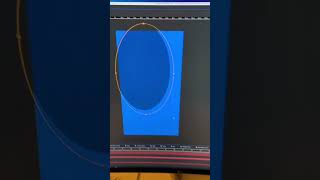
Ryan Maloney shows how to add a grainy texture border in After Effects by creating a solid layer, masking it with an ellipse, feathering with F, and setting the mask mode to Dissolve for a subtle effect around motion graphics.
More from Ryan




youtube.com
Drawing Mr. Beast into a Beastly Baller trading card #art #drawing #tradingcards card
10mo ago




youtube.com
The first draft of my graphic novel #art #procreate #originacharacter #graphicnovel #drawing
1y ago


See all content
