Ready to level up your productivity game? 🔥 Check out this tool I use to simplify my work.
10 May 2023 · 1 min
0:56
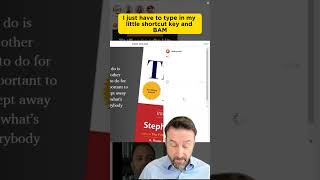
A short YouTube demo by Warwick Brown showcasing TextExpander, a desktop productivity tool for creating reusable text snippets triggered by shortcuts. The speaker explains how to create snippets and assign shortcut keys, then demonstrates examples: inserting Instagram hashtags, auto-filling an email template for unpaid clients (example shortcut: "kcfp"), and sharing a calendar booking link (spoken shortcut: "A cal").
Chapters
More from Warwick



youtube.com
🔥 The Most UNDERRATED QBR Skill (Game Changer!) #business #customersuccess #meetings #clients
1y ago





youtube.com
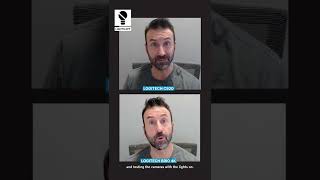
Can you tell the difference? Replaced my Logitech C920 webcam with a Logitech Brio 4K #tech
3y ago