6:24
Build a basic HTML form in PHP with a text input and submit button. When you submit, the entered value shows up as a query string in the URL, demonstrating how GET parameters work. This is part 1 of a series on handling form data.
Build a basic HTML form in PHP with a text input and submit button. When you submit, the entered value shows up as a query string in the URL, demonstrating how GET parameters work. This is part 1 of a series on handling form data.
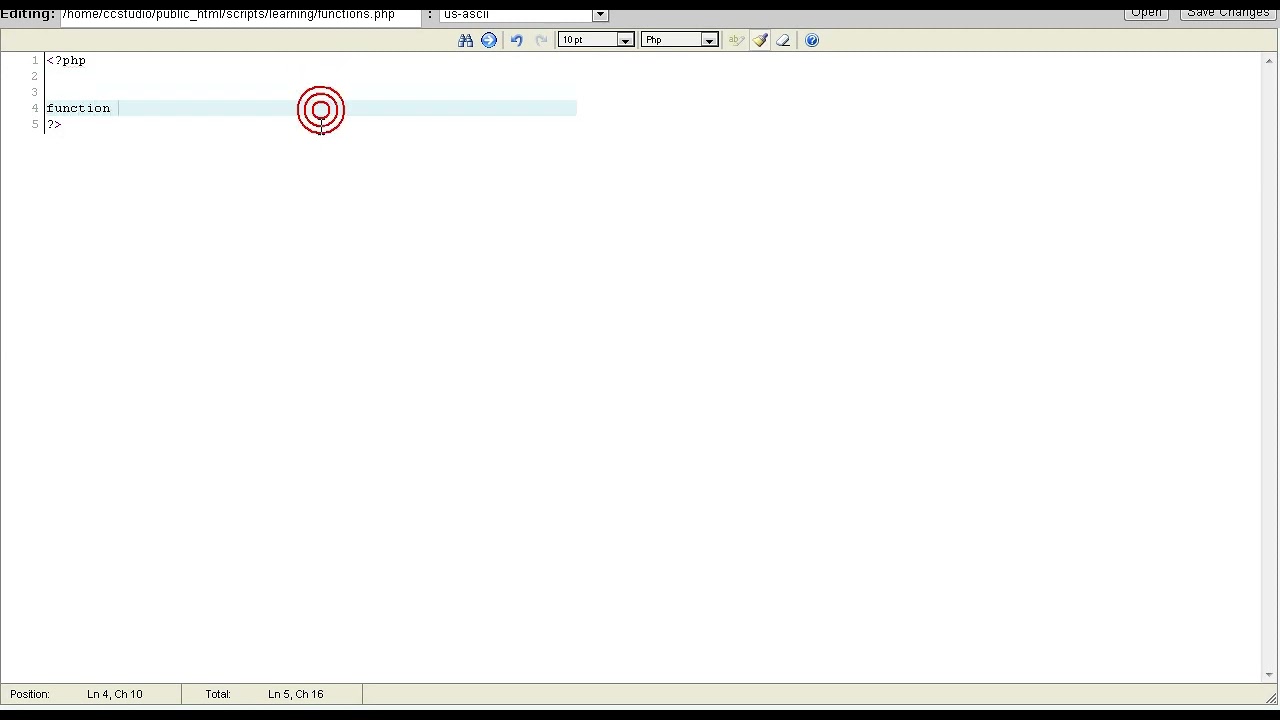
Hello and welcome again. I'm here with another tutorial in PHP. In today's tutorial, we are going to be learning about Windows Forms— or not Windows Forms, sorry. We are going to be learning about forms, basic HTML forms. Now, uh, let's get started. This is actually going to be part 1 of 3 videos on Windows Forms. The first one is going to be the basic HTML layout. Second one's going to be using GET, and the third is going to be using POST. Let's start out by creating our HTML form. I'm not going to write up the whole HTML, I'm just going to write up the part for our form.
Okay, form.
This basically opens up our form, it's the HTML tag for form. We need this, by the way. Action. This is where all of our variables are going to be sent. In this case, we're going to send it to forms.php, our same exact file. So we could just have it be forms.php, or yeah, we'll just do forms.php. Then let's close it down here.
And let's have some text, then input.
Input is basically where whatever the user interface uses. It could be a radio box, a dropdown box, a text box, anything like that. But in this case, we're using input type equals text, which is a text box. And we also need to give it a name. This is what I call the ID, which is basically what we will be looking for. In our PHP. It's like the variable name of it.
Name will equal name.
Then let's have a little submit button where input type equals submit. Submit enters the form and sends the variables to our forms.php. Now let's save this, F5, and we can see that we have a little form. Uh, it has name, we have a text box, and then we can press submit. Okay, so now we have a little form. Of course it does nothing right now because we didn't do anything, but you can see up here in the URL that it has some variables and it has the variable that we typed into our name place. I'll talk about that later in the Git tutorial. That is basically all for right now. Check out the POST or GET tutorial to learn more about forms and how you handle them.