In this instructional video, the presenter introduces PHP operators and demonstrates how they manipulate and compare variable values. The lesson begins with basic arithmetic operators—addition, subtraction, multiplication, division, and modulus—showing simple examples with two variables (x and y). It then covers increment and decrement operators as shorthand for adding or subtracting one. The tutorial moves on to assignment operators, explaining how they modify a variable’s value (e.g., =, +=, -=, =, /=, %=) and how they differ from comparison operators. Next, comparison operators are detailed, including equality (==), inequality (!=, <>), greater/less than (>, <), and their combined forms (>=, <=), with emphasis on their role in if‑else statements and the use of the exclamation point for logical NOT. Finally, logical operators (AND, OR) are introduced for combining multiple conditions, with practical syntax examples. The presenter notes that operators can be mixed and matched, and concludes the lesson with a brief recap.
Chapters
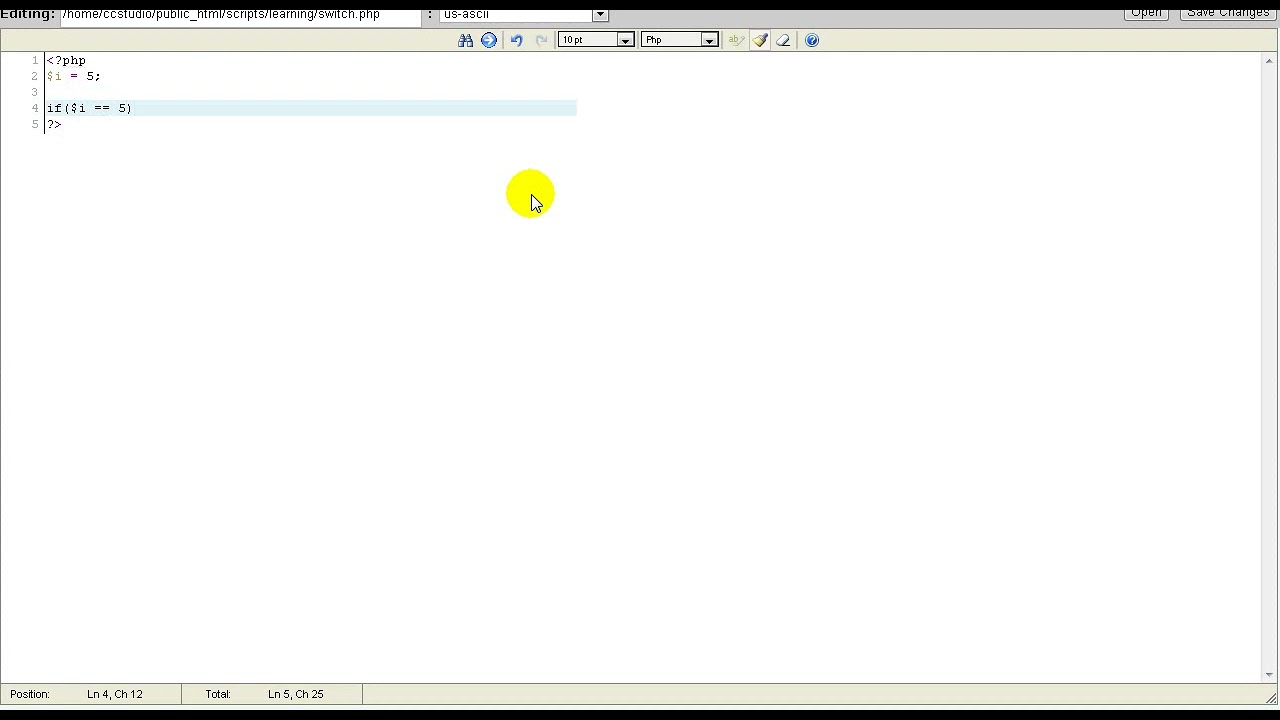
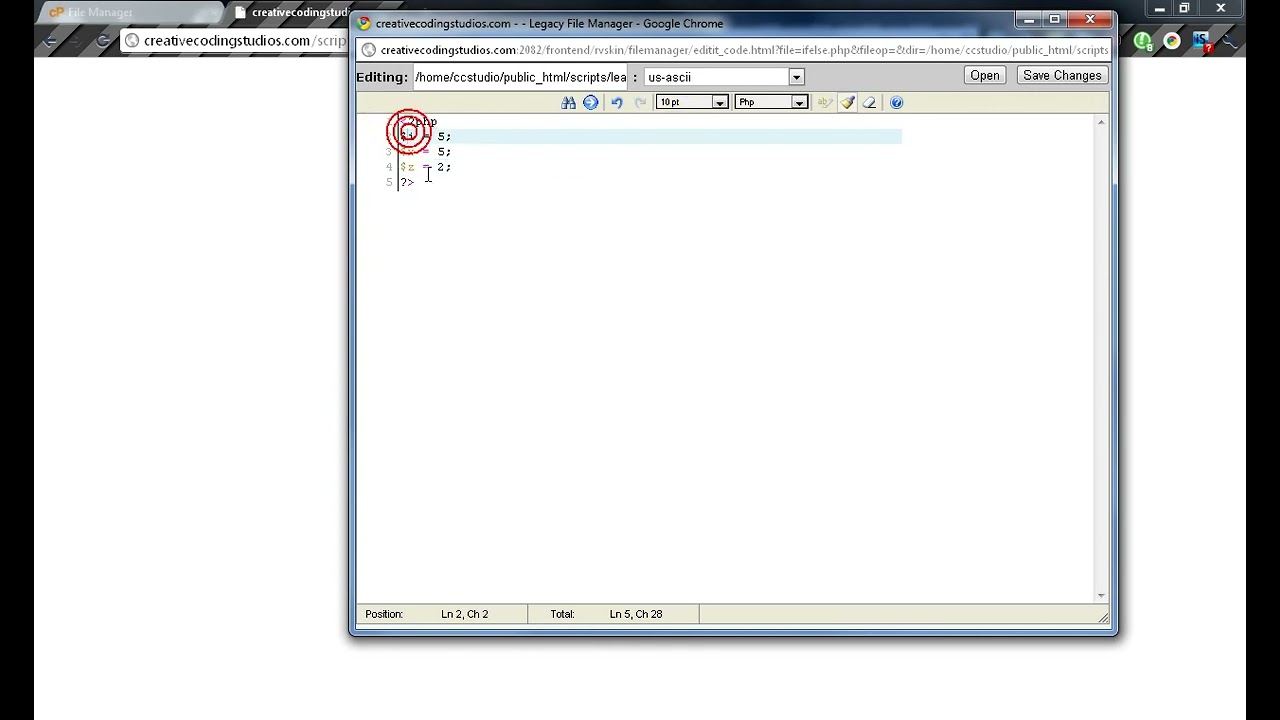
Hello and welcome. In today's video, we are going to be learning about operators. Operators are used to change values of variables, and they are used for comparing variables. Let's get started with some basic arithmetic operators. The first one we're going to learn is the basic adding and subtracting. We have these 2 variables, x and y, and adding is very simple. It's just our first variable plus our second variable. Oops. We can see that this output outputs 10 because 5 5 is 10. We could also subtract, which is 0, because 5 5 is 0. We can go on and on, but, uh, there's also multiplication and division remainder. It's called modulus, not dollars. Sorry, I don't know how to pronounce that. There's also increment and decrement. Increment is basically +1, just like that. It's the same as doing +1. Now let's look at some assignment operators. These are used in if-else. If x is equal— or actually, this is wrong. Assignment operators changes the value of some of a variable. So x equals y, that means x will— or z will equal y. Now we can also do plus equals, which is where it takes this and adds this to it. So it's basically z equals z plus y. We also can use subtract equals, that works too. We can also do multiplication equals, division, and, uh, Division remainder. Now comparison operators, these are the ones that are used in if-else. If x is equal to y, echo they are equal. If x is greater than y, echo they are greater than y. These 2 equal signs are for comparison. It does not turn x into y, it compares the 2. It will, it will return true if this is equal to that, but it will return false if it's not. We can also have an exclamation point, which an exclamation stands for not. So it's basically not equal to. So if x is not equal to y, then display they are not equal, just like that. We also have is not This also works as is not equal. This is greater than, less than, is greater than or equal to, or is less than or equal to. All of these comparison operators are fairly simple, and you could pretty much mix and match them as you go. Now we have some logical operators. Which is where we can do— if we want to say compare 2 things, or not 2 things, if we want to do 2 comparisons in one if, we can do it just like this. c equal to 5. So let's make it 4. This makes sure that both of these have to be true in order to continue. We also have these 2 lines. I just call them the lines, don't know their real name. But the 2 lines right above your Enter, you have to hold Shift to use them. They are OR. So if either this or this are equal, then— or are true, then it will display our message. And that's pretty much it for operators. Of course, like I said before, you can mix and match some of them. That's pretty much it. Thanks for watching.