Learn PHP if-else statements starting with one-line comparisons, then block form with curly braces, and elseif for chaining conditions. A concrete example compares three variables to show how the first false condition triggers elseif evaluation, and how else runs when all prior conditions fail.
Chapters
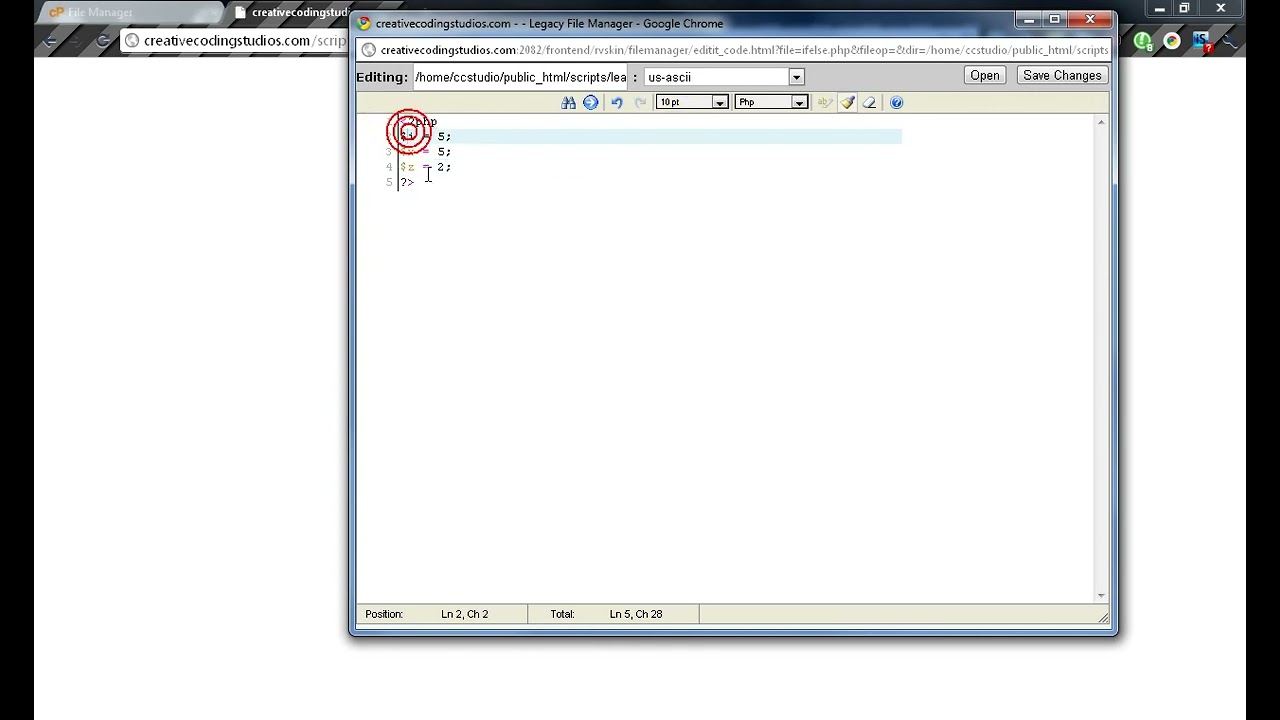
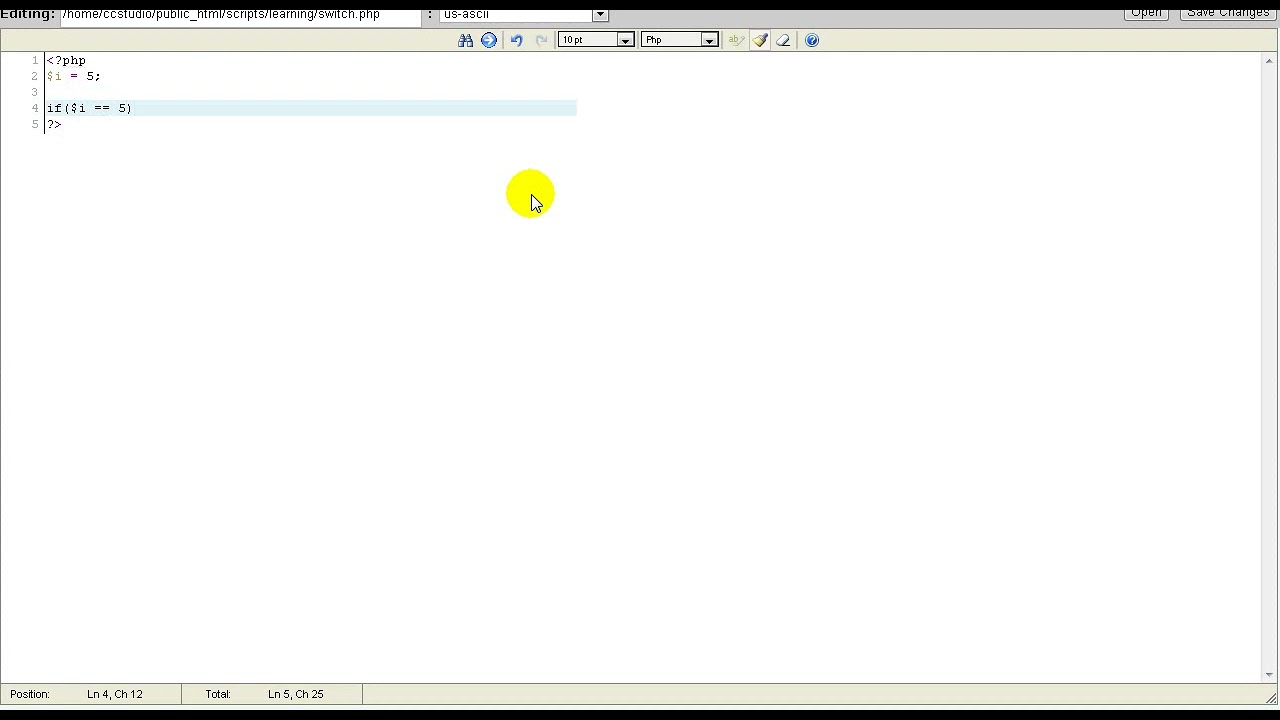
Welcome to another lesson. In this lesson, we will be learning about PHP if-else statements. Uh, if-else— there are a few forms of it. They are all very basic. Here we go. Now the first type is one line. It's if the basic— or yeah, if, and then we do our comparison here. And this is assuming you have viewed the last lesson, Operators, which tells you the basic operators of if If-else. If y is equal to x, echo they are equal. This is all one line, very simple. Save, F5, and you'll see that they are equal. Now that's BASIC. Now let's learn, uh, if-else. We can also just press Enter and we'll have this one line. Else, just like that. And we will see that it says that they are equal. However, if we change a value, it will turn into they are not equal because x and y are not the same variables. Now if you want more lines, All you need to do is insert one of those little curly brackets and then give one for else. Just like that. We can also do if or else, else if, which is where else if we could basically have another if here. And then else will be if all else fails. So if this fails and then this fails, then else will be run. And let's make y not equal z, but x then let's get equal z. There we go. y is equal to z. That's because our first if returned a false because y is not equal to z, but then our second if or our else if Which returned true because y is equal to z. And then else, they're not equal. That is basically all for if-else. If-else is a very useful tool.