6:27
Learn how PHP's switch statement replaces multiple if statements with cleaner code. The tutorial covers case blocks, break statements to prevent fall-through, handling different data types, and the default clause for unmatched cases.
Learn how PHP's switch statement replaces multiple if statements with cleaner code. The tutorial covers case blocks, break statements to prevent fall-through, handling different data types, and the default clause for unmatched cases.
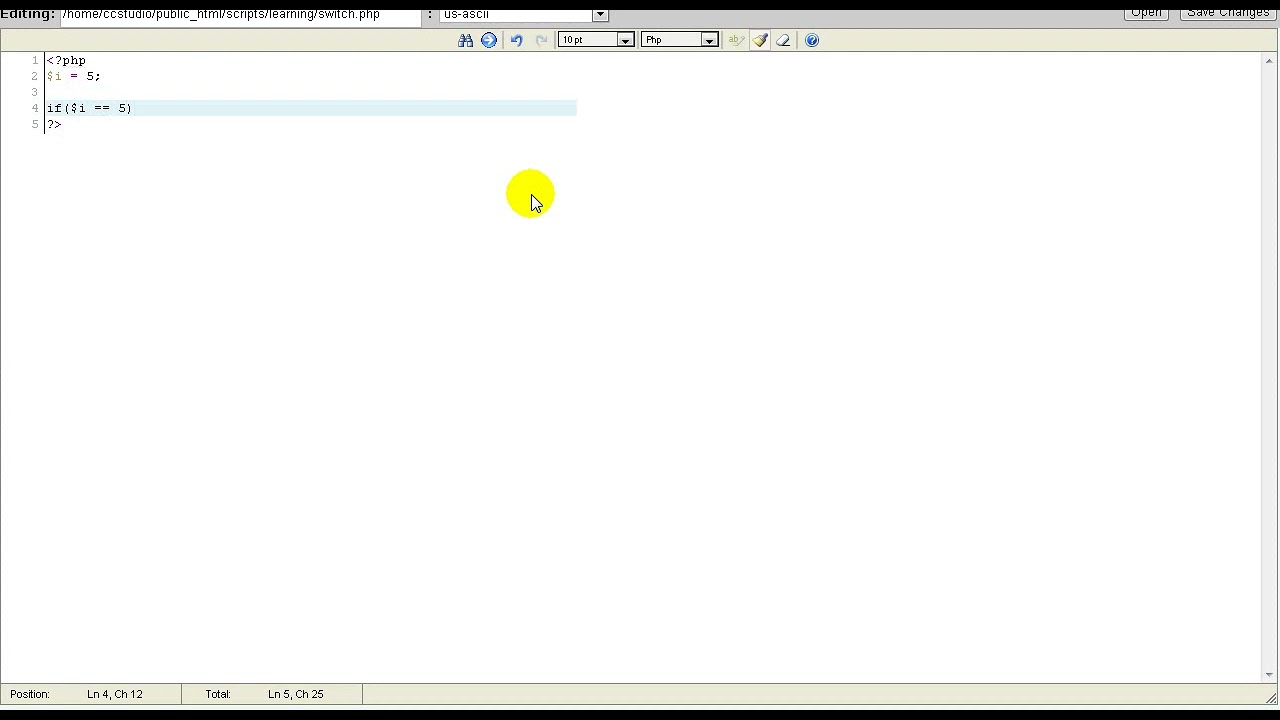
Hello, this is another PHP tutorial. In this tutorial, we are going to learn how to use the switch tool. Switch is an alternative to if, and it's very useful. Normally, if you wanted to check if i were 5 or 6 or 7, you would do something like if i equals 5, and then you would repeat this over and over. But that can be a little bit confusing and long, so there's switch. Basically switch our variable, then our opening curly bracket— brackets, and inside here we have our case. Case is, uh, you basically just say case and then what the variable might be, and then you give what would happen if the variable is that. So case 5, echo i is 5. And then to stop from running after that, once we're done with the code for 5, we break. And then we do case something like 6, we can say echo i is 6. Also, if you want to check if it's nothing, it would be default. We can also do string variables. Such as case string, and we can also do true or false. Switch is pretty much a very good alternative if you have a long list of variables that you need to check for. Another alternative to using the curly brackets is just to have this switch, and then once you're done, end switch. I don't really like that, but it's just another way. That's basically all there is to switch. It's very easy. And Very good alternative. Just— yeah.