Enhance Your Photos Like a Pro with LUMINAR NEO

2 Jul 2024 · 1 min
0:36

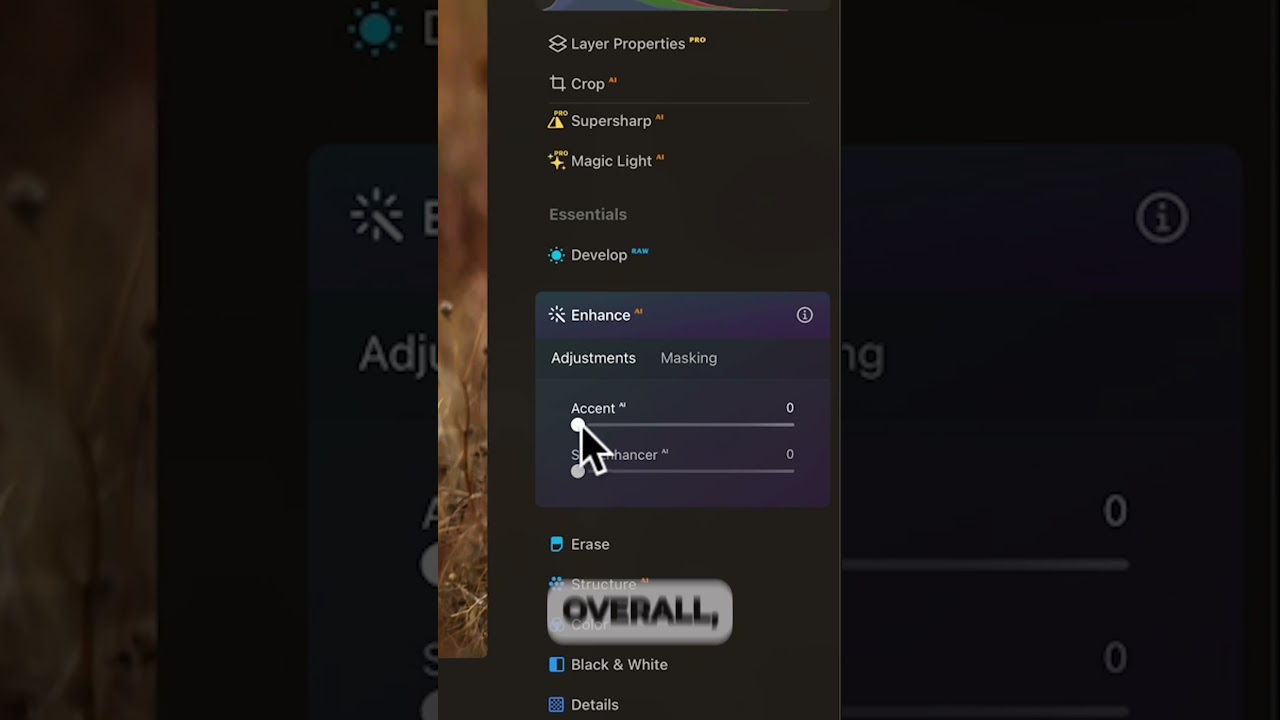
In this segment of the YouTube tutorial, presenter Angie Birmingham demonstrates Luminar Neo’s Enhance AI tool on a mule‑deer photograph. She first shows the effect of applying Enhance AI globally, which lifts shadow detail and brightens the image without any masking. She then explains that she prefers to use masking to target the adjustment, inviting viewers to stay for a deeper dive into selective masking techniques. The demo highlights how the tool quickly opens up dark areas, improving overall exposure while preserving detail.

Chapters

More from Angie

9:17
youtube.com

I Took Two Cameras to Nome—Only One Came Home

1w ago
8:14
youtube.com

The Only Sony a6700 Settings You Need for Wildlife

2w ago
7:39
youtube.com

I Photographed Nome, Alaska, with ONE Camera—Here's What I Kept (Sony RX10 V)

3w ago
6:37
youtube.com

Still Using Auto Mode? Why You're Missing Out on Better Photos

1mo ago
7:42
youtube.com

Sony RX10V vs Yellowstone: Getting the Perfect Shot

1mo ago
20:26
youtube.com

RX10 V Setup: How I Get Sharp Bird Photos Every Time

1mo ago
0:47
youtube.com

The RX10 V challenge: Can it really do it all?

1mo ago
0:37
youtube.com

RX10 V at 600mm bird shots without the big lens

1mo ago
0:41
youtube.com

Don't buy a new camera until you see this comparison #photographygear #sony

1mo ago
13:14
youtube.com

I Tested the Sony RX10 V at 600mm—Here’s What Happened

1mo ago
1:16
youtube.com

The Zoom Speed Hack for RX10 V You Need to Know

1mo ago
See all content