0:36

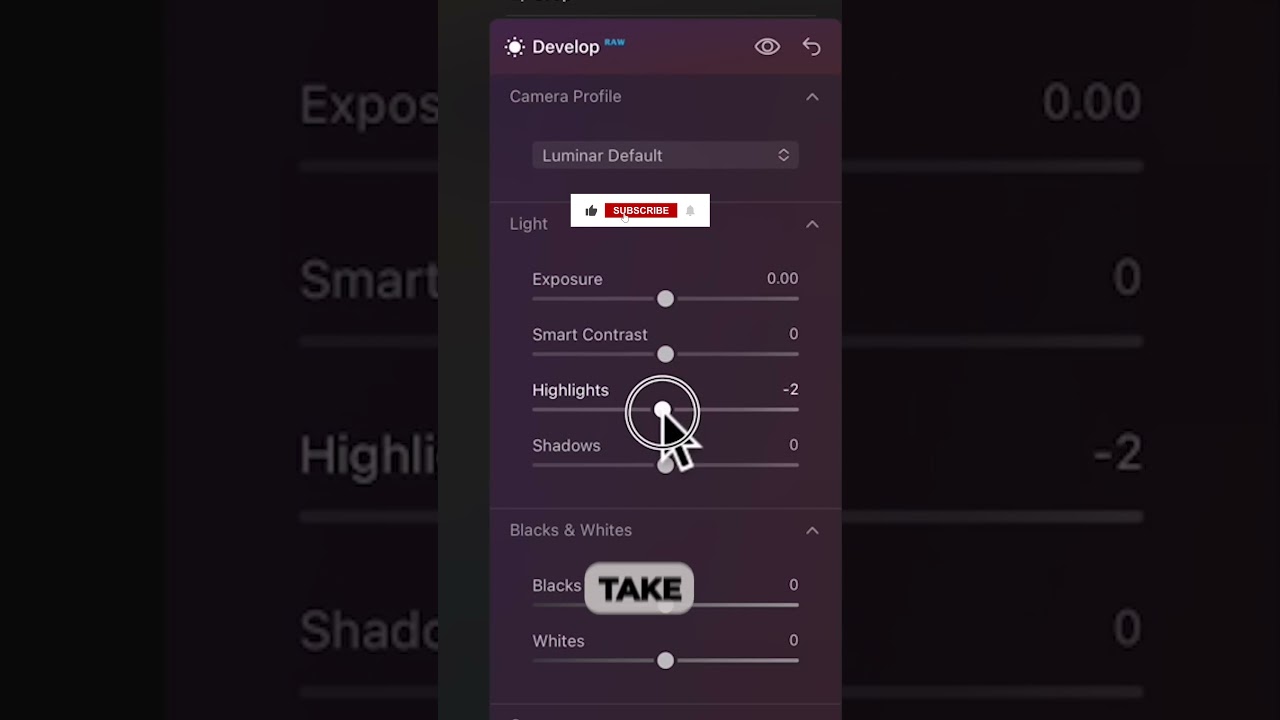
In this short tutorial, the presenter walks through a landscape photo edit using Luminar Neo’s Develop module. They begin by entering the Develop workspace, then reduce the highlights to prevent sky overexposure, lift the shadows to avoid a heavy silhouette, and apply the Smart Contrast tool to bring out sky detail. The changes are shown side‑by‑side with a before‑and‑after comparison, demonstrating a quick workflow for enhancing sky and water in a landscape image.

Chapters

More from Angie

9:17
youtube.com

I Took Two Cameras to Nome—Only One Came Home

1w ago
8:14
youtube.com

The Only Sony a6700 Settings You Need for Wildlife

2w ago
7:39
youtube.com

I Photographed Nome, Alaska, with ONE Camera—Here's What I Kept (Sony RX10 V)

3w ago
6:37
youtube.com

Still Using Auto Mode? Why You're Missing Out on Better Photos

1mo ago
7:42
youtube.com

Sony RX10V vs Yellowstone: Getting the Perfect Shot

1mo ago
20:26
youtube.com

RX10 V Setup: How I Get Sharp Bird Photos Every Time

1mo ago
0:47
youtube.com

The RX10 V challenge: Can it really do it all?

1mo ago
0:37
youtube.com

RX10 V at 600mm bird shots without the big lens

1mo ago
0:41
youtube.com

Don't buy a new camera until you see this comparison #photographygear #sony

1mo ago
13:14
youtube.com

I Tested the Sony RX10 V at 600mm—Here’s What Happened

1mo ago
1:16
youtube.com

The Zoom Speed Hack for RX10 V You Need to Know

1mo ago
See all content